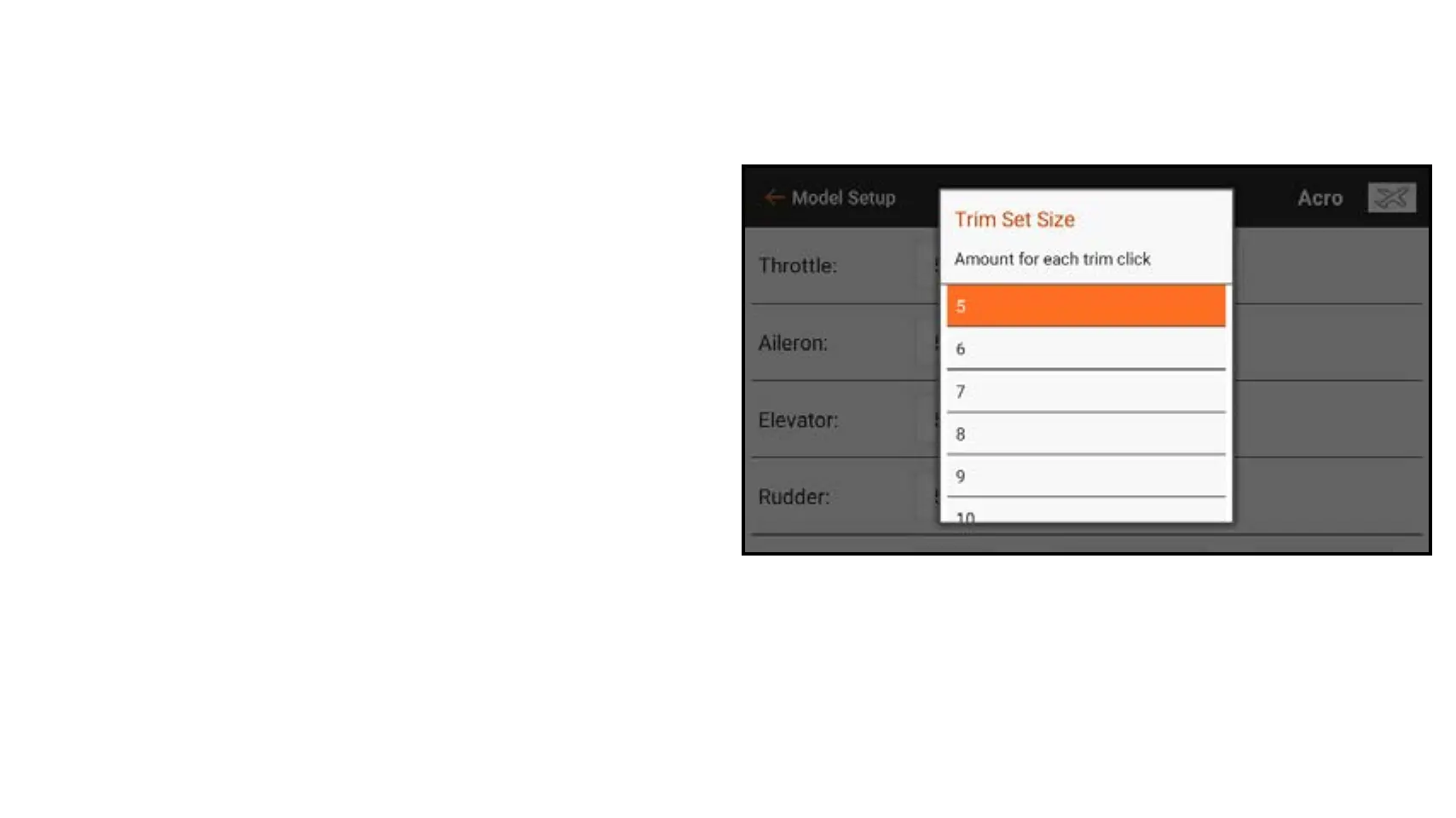
Trim Step: Adjusting the trim step value determines how many “clicks” of trim you
input each time you press the trim button. Changing the trim step value to 0 disables
the trim for the channel.
To change the trim step value:
1. Select the trim channel you wish to
change.
2. Select the trim step value and select
the click value desired. The default
value is 5.



 To Next Page