MODEL UTILITIES
The Model Utilities menu is accessed by touching the model name at the top left corner
of the home screens in the Spektrum AirWare app. If RF is on, a dialog box will appear to
turn off RF. Touch and hold PROCEED to continue to the Model Utilities menu.
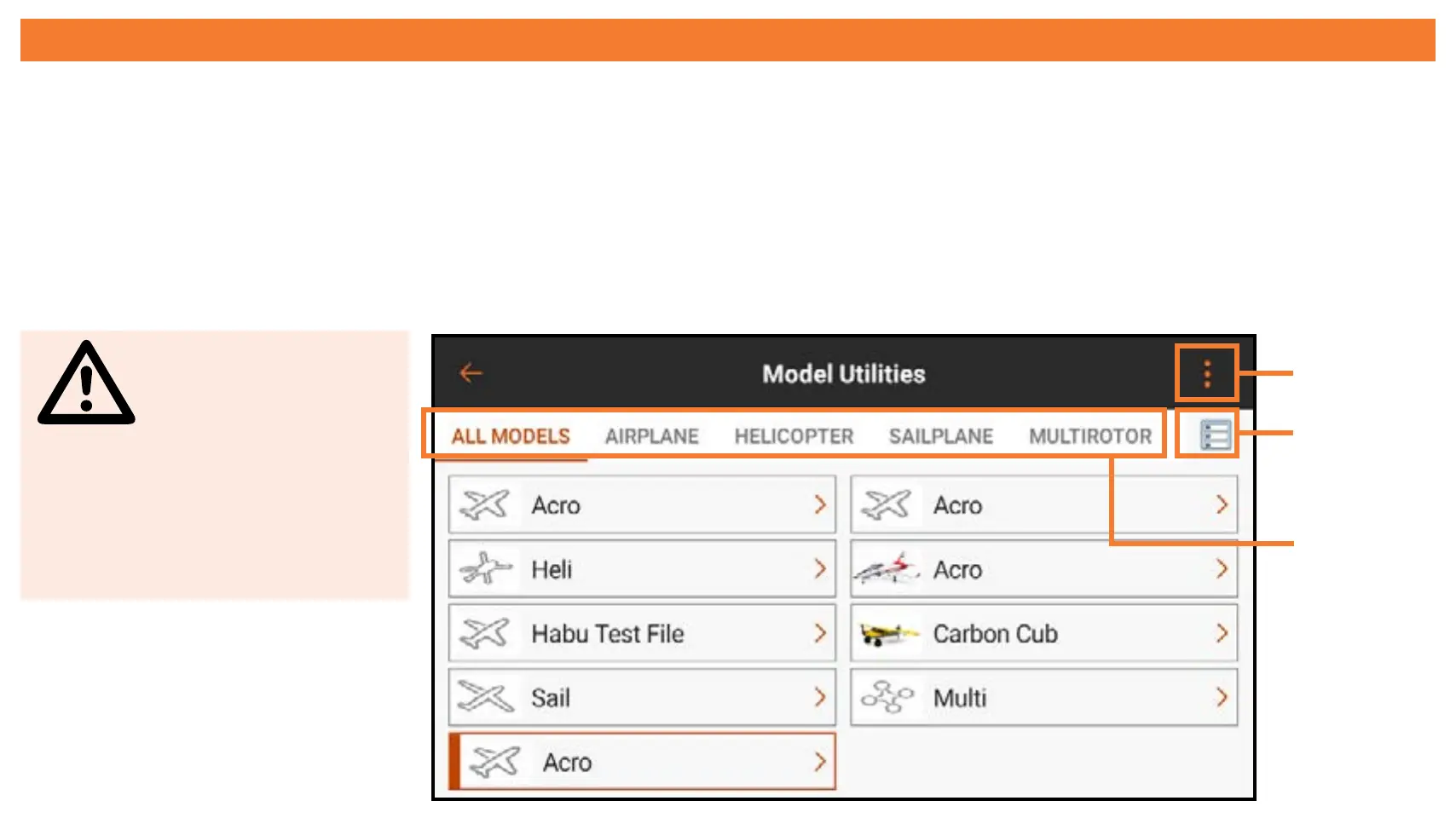
Touch the ribbon across the top of the screen to view the available models by type
or to view all models together.
WARNING:
Never turn off
RF during flight. You
will lose control of
your aircraft.
Ribbon
List
View
Expand



 To Next Page