VisionMaster Ship’s Manual Chapter 4
Configuration Target Tracker
65900011 4–63
6.8.3 Target Tracker
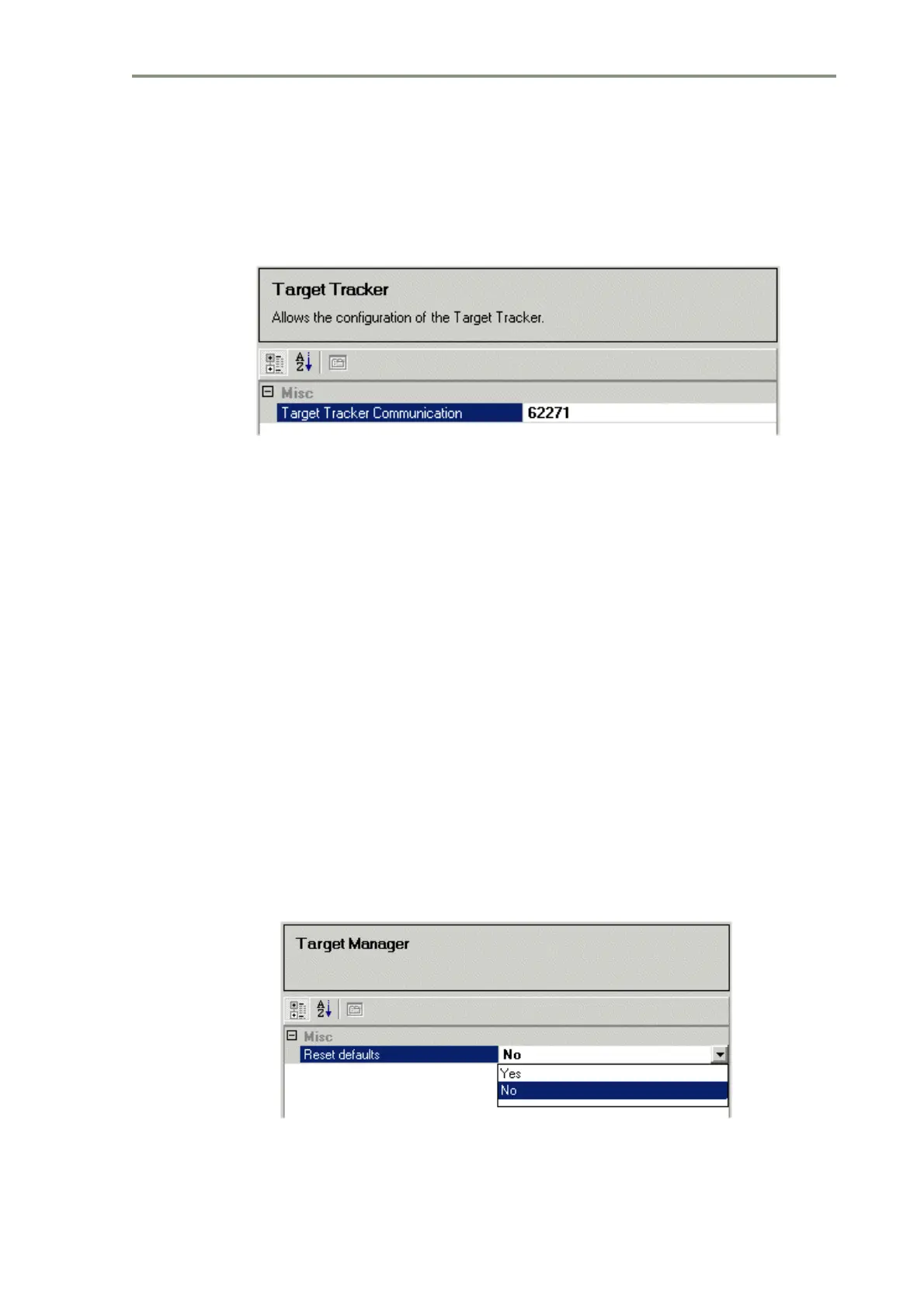
The Target Tracker window enables the configuration of the software port
number used to communicate with the Target Tracker.
Figure 4.58 Target Tracker
It should not normally be necessary to change the software port number
default value.
6.9 Target Manager
The Target Manager sub menu allows the configuration of the display of
targets on the system. Various sources of target data (e.g Tracker or AIS) can
be configured separately.
The following functions are available from the Target Manager sub-menu:
• Target Manager
• Track Table Output
• Target Rename Input: TLB Communications
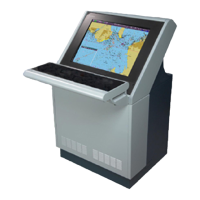
6.9.1 Target Manager - Reset Defaults
The Reset Defaults on Target Manager enables collision avoidance to reset
its persistent data to default values on start up. The default setting is No, to
enable the setting click on the drop down arrow and select Yes.
Figure 4.59 Target Manager - Reset Defaults



 To Next Page