Page 14
4.5 Remove Charts
You can remove charts if they are no longer needed.
NOTE:
There is no problem if you have accidentally removed a chart or if you want to
access a chart again which has already been removed. You only must reload
the respective chart, e.g. from the CD. The original chart permit remains
stored even after the chart has been removed.
How to remove charts:
1. In ChartHandler, select at least one Chart Unit to be deleted.
The button Remove Charts is enabled.
2. Click on Remove Charts.
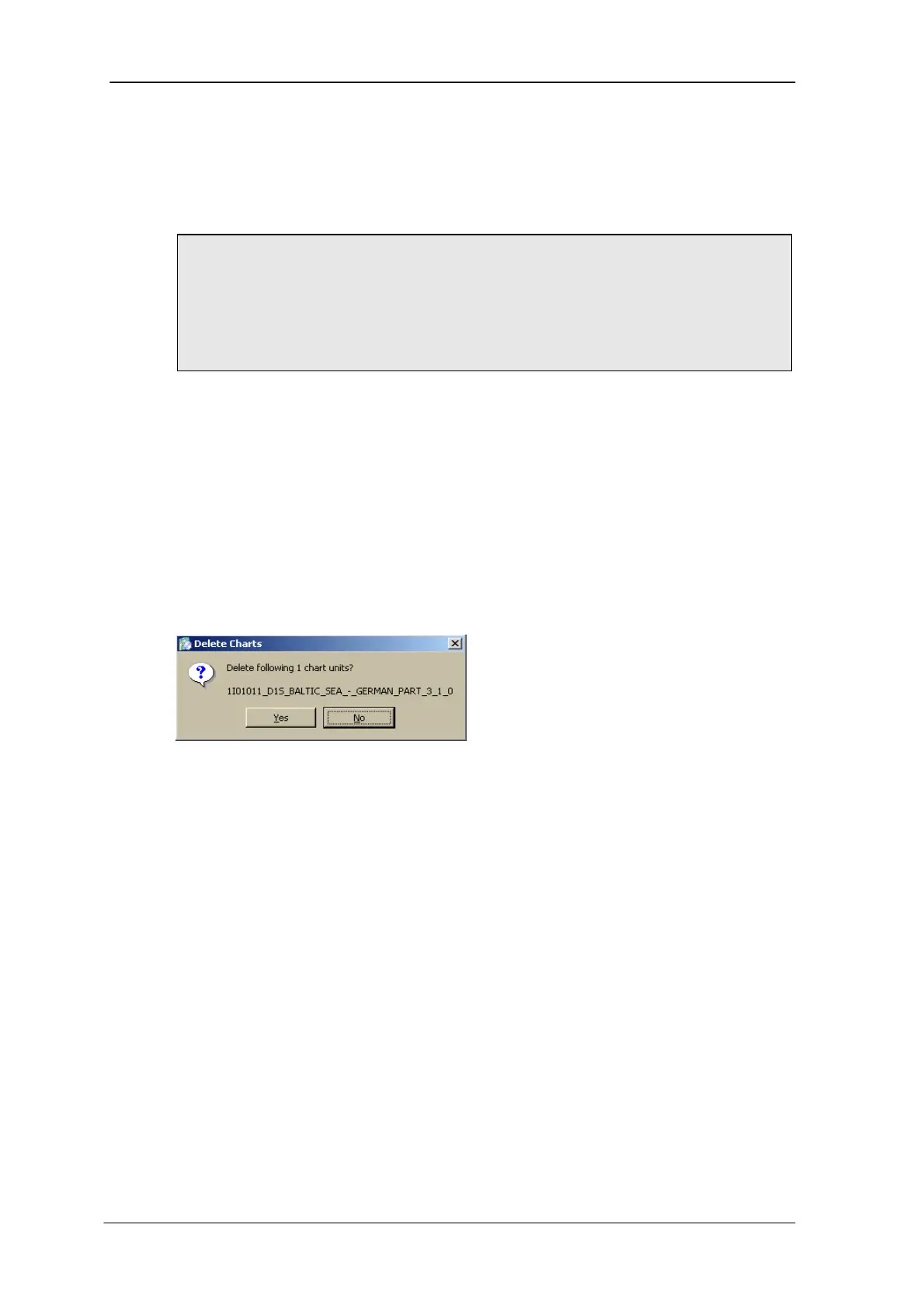
A confirmation window opens (see below).
3. Click on Yes.
The selected charts are deleted.
Confirmation window Remove Charts
SevenCs User’s Guide: ChartHandler November 2005



 To Next Page