3 Select Mode Page 11
SevenCs User’s Guide: ChartHandler November 2005
S-63/S63x Only
In case the Permit Status is (valid for several charts) only those
charts with valid permits will be installed (see chapter 4.1 Read Permit Files).
For example, although the Primar Base CD contains world coverage only those
charts the permits of which have been previously installed will be transferred.
Thus it may happen that some data files of an exchange set could not be imported.
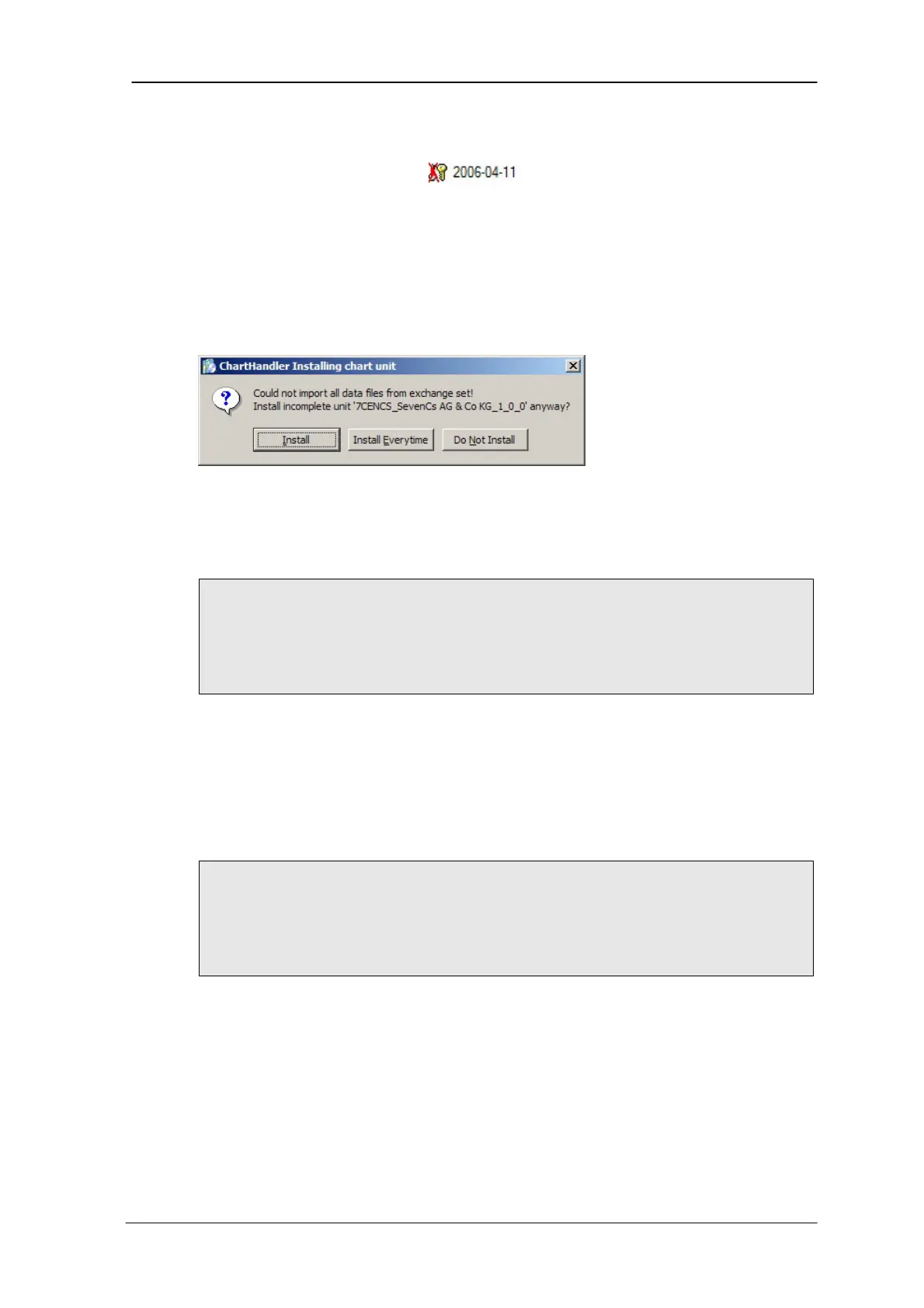
In that case ChartHandler asks whether the incomplete chart unit shall be
installed anyway (see below).
Warning: could not import all data
How to install charts:
NOTE:
Before you can load charts the respective chart permits must be loaded (see
chapter 4.1 Read Permit Files). Otherwise the Install Charts button will not
be available.
1. In ChartHandler, click on Install Charts.
The dialogue window Select Chart Units opens.
2. Select the charts to be loaded.
3. Click Open.
The charts are loaded.
NOTE:
If charts to be loaded include a disclaimer, this text will be displayed first in a
separate window. Please read the text and accept it. Then the charts will be
loaded.



 To Next Page