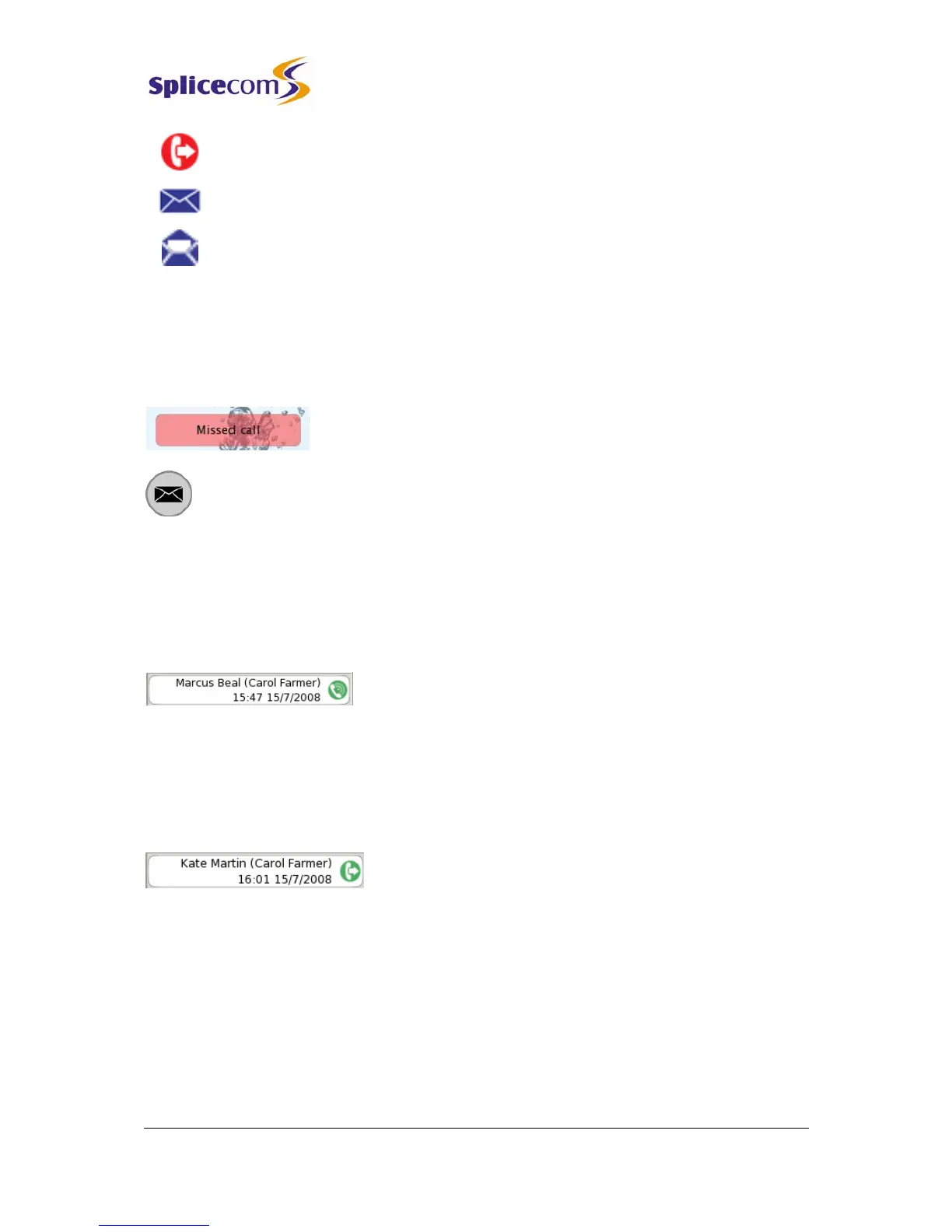
Signifies an unanswered outgoing call
Signifies a new or unread voicemail message
Signifies an old or read voicemail message
Missed Calls
An incoming call received by your phone that is not answered either by yourself or by
voicemail will be registered as a missed call in your Calls History.
The Missed Call message will appear within the default idle page
and the SpliceCom LED on the phone will flash.
Press the Messages button to view this call.
When you return to the idle page the Missed Call message will no longer be displayed.
Details of a call
Each call will display the following information:
Incoming Call:
• The name of the caller (if known by the system).
• In the brackets, your user name or the name of the colleague who has diverted their calls
to you or the name of the Department called
• The time and date of the call.
Outgoing call
• The name of the contact that you called (if known by the system).
• In the brackets, your user name
• The time and date of the call.



 To Next Page