Log out of a Group
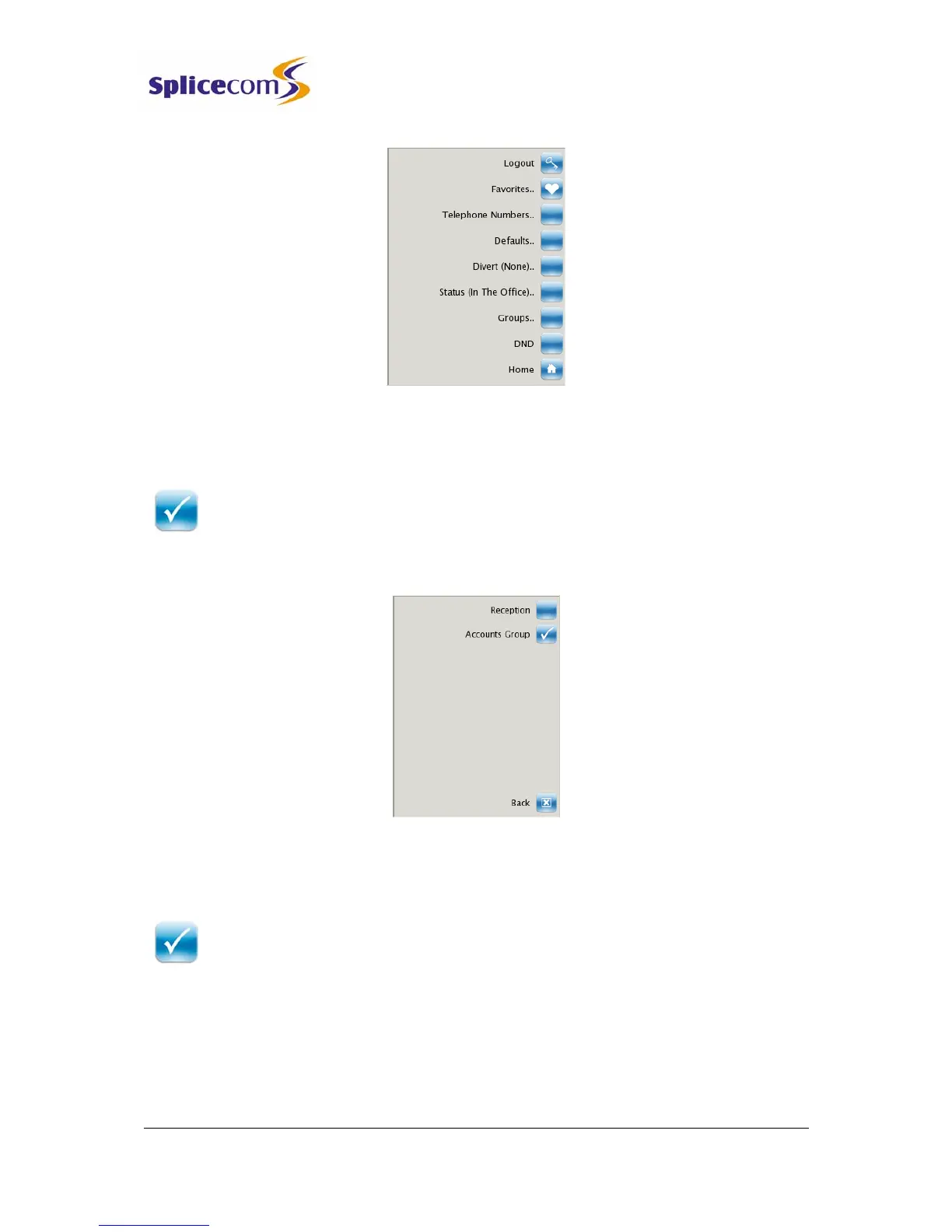
1 From the Settings menu select the context sensitive key beside the Groups icon
2 The list of Groups that you belong to will be displayed.
3 A tick within the Group icon will indicate that you are currently logged into this
Group.
4 Press the context sensitive key beside the Group icon required and the tick will
disappear to indicate that you are logged out of this Group.
Log in to a Group
1 From the Settings menu select the context sensitive key beside the Groups icon
2 The list of Groups that you belong to will be displayed.
3 Press the context sensitive key beside the Group icon required and a tick will
appear to indicate that you are logged in to this Group.
Do Not Disturb
The Do Not Disturb facility allows you set your extension as permanently busy. This useful if,
for example, you are holding a meeting in your office and do not wish to be disturbed.



 To Next Page