Basic Call Handling
Make a call
1 Lift the handset or press the Speaker button. You will hear the dial tone.
2 Dial the number (internal or external) required using the key pad
3 Call Status will display your name and the details of the number you are
ringing.
Alternatively,
1 Dial the number (internal or external) required using the key pad
2 Press the context sensitive key beside the Dial icon or lift your handset
3 Call Status will display the details of the call
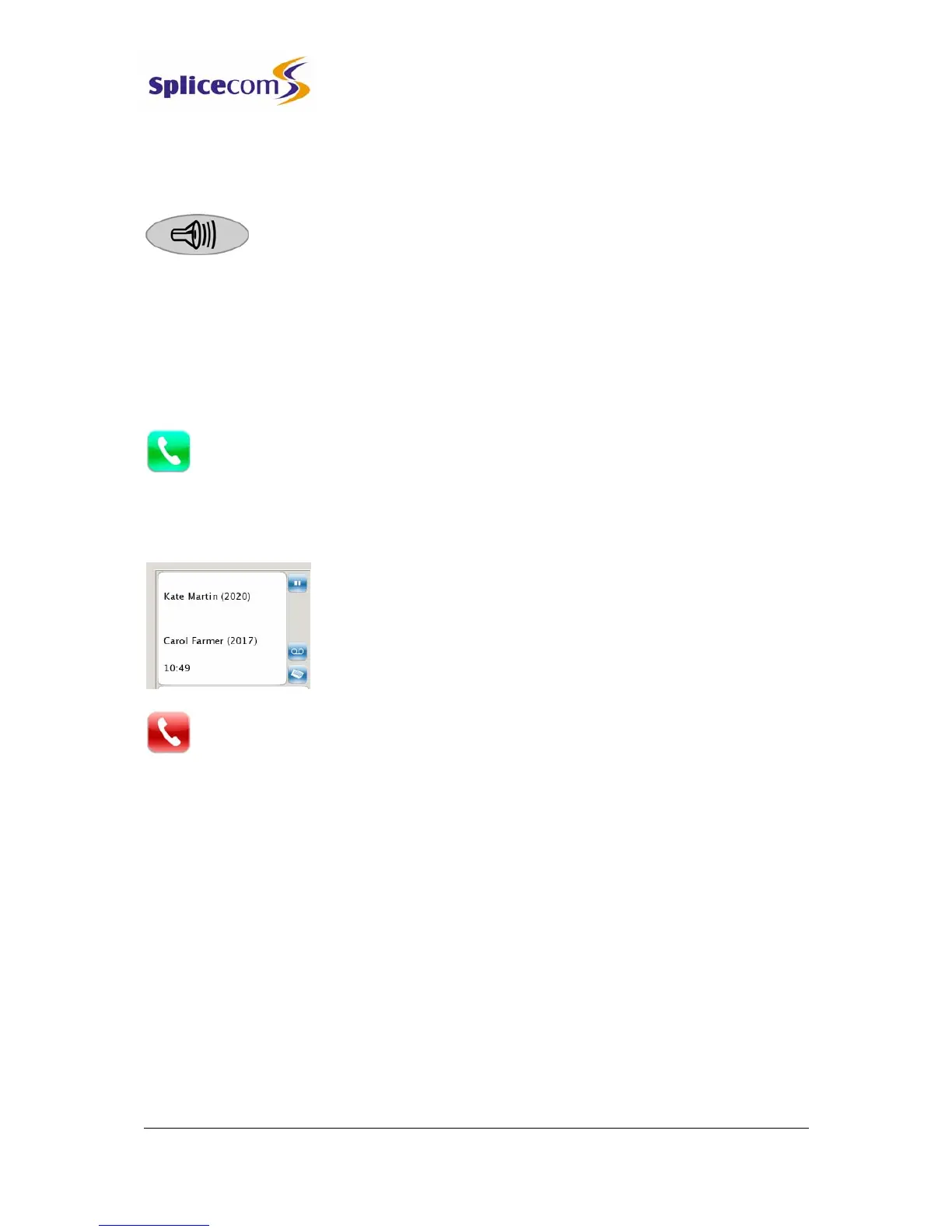
Call Status
Call Status will display the name of the person you have called (if
known by the system), the number you have dialled, your name
and number, and length of time of the call.
If you have started to make a call, have changed your mind and wish to stop the call
press the context sensitive key beside the Hang Up icon or replace your handset.
If you are required to enter further digits once the call has been made, for example, when
presented with an auto attendant use the alpha- numeric key pad to enter the digits.
Answer a call
On receiving a call your handset will ring and Call Status will display the details of the call:



 To Next Page