4 Press the context sensitive key beside the Forward icon
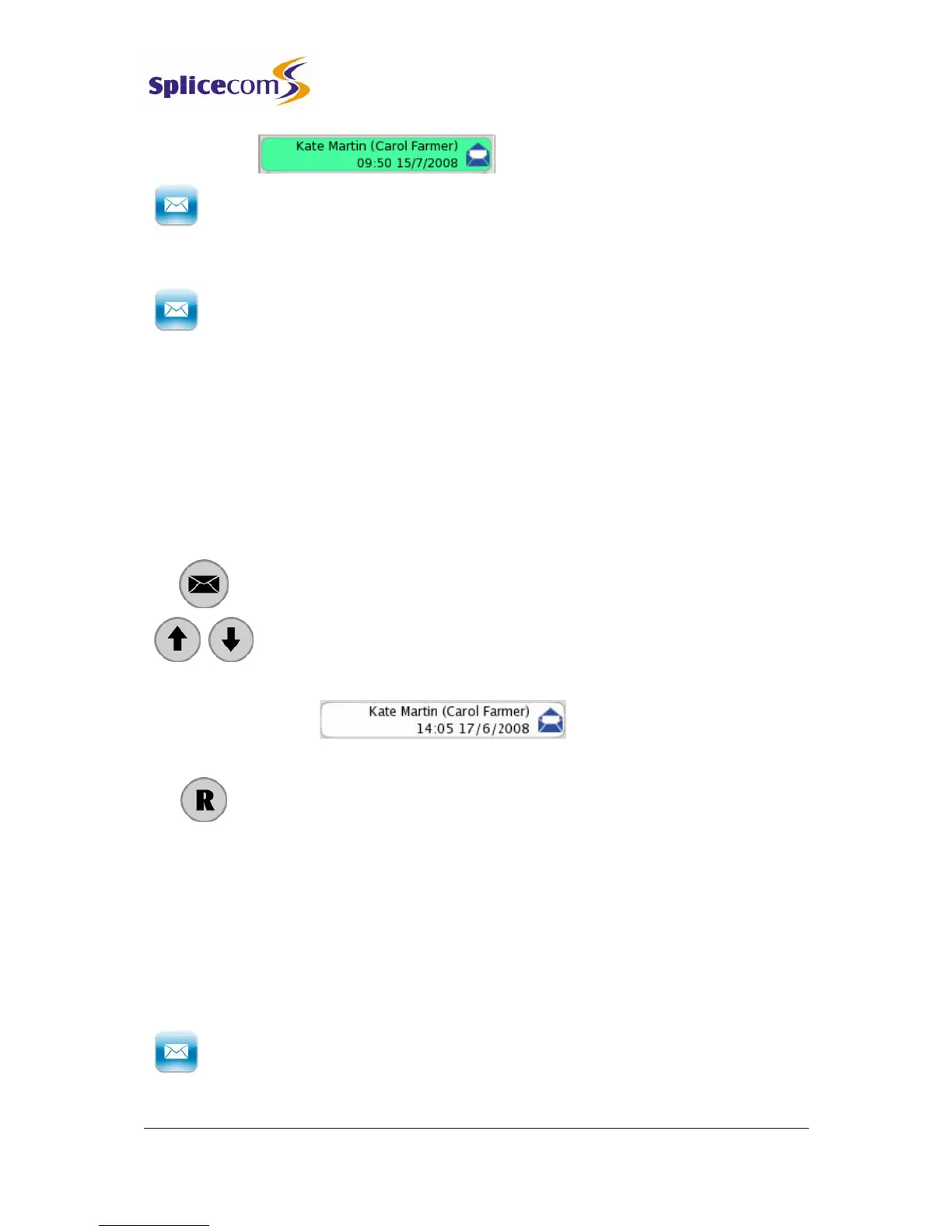
5 Use the Search facility until the User required is displayed in green at the top
of the list.
6 Press the context sensitive key beside the Send to Email icon
7 You will be informed that the message has been “Forwarded to Email” and
then returned to the Calls History.
Listen to a message while on a call
While on a call you can listen to a message. This would be useful if, for example, you wish to
check the content of a message that relates to your current call. Your call will be put on hold
while you listen to the message or you can create a conference to allow your caller to listen
to the message too.
1 Press the Messages button.
2 Use the Page Down and Page Up buttons to display the entry
required.
3 Press the context sensitive key beside the message required.
4 The message will be played and your caller will be put on hold
5 Press the Recall button to return to your call.
Leave a message for a colleague
You will automatically transfer to your colleague’s voicemail if they are busy or do not answer
their phone.
However you can connect directly to a colleague’s voicemail to leave a message, as follows:
1 Dial your colleague’s extension number on the keypad
2 Press the context sensitive key beside the Leave Message icon
3 Lift your handset, if required, and leave a message when requested



 To Next Page