3 Press the context sensitive key beside the Phone Information icon.
(Please note that if the Groups feature has been enabled on your extension
you will need to press the Down arrow button to access the Phone Information
icon.)
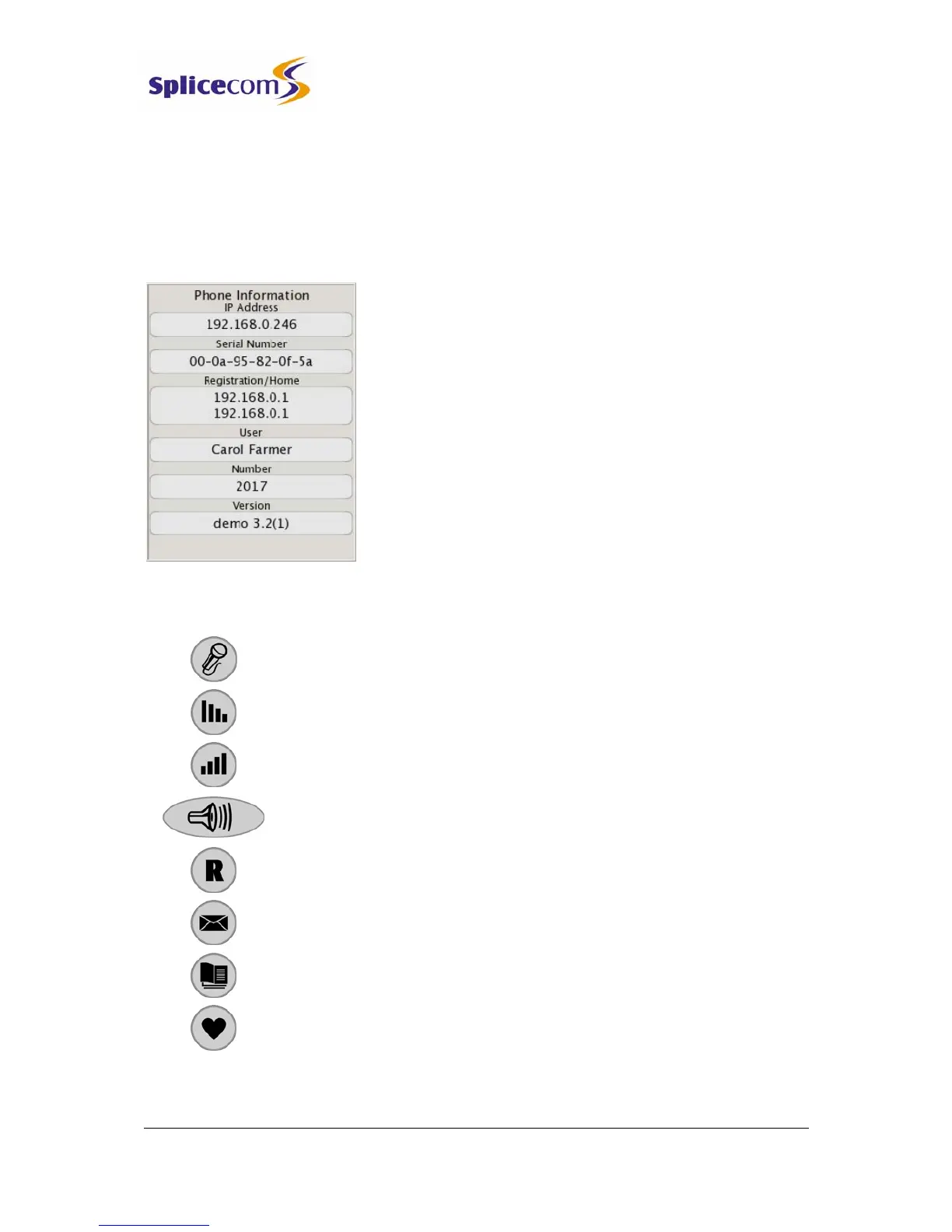
The following information is displayed:
• IP Address – IP address of the PCS 560
• Serial Number – hardware address of the PCS 560
• Registration – IP address of the Call Server to which the
PCS 560 is connected
• Home – IP address of the Call Server providing the
User’s voicemail service.
• User – name of the User currently logged in
• Number – extension number of the User currently
logged in
• Version – software version currently running on the
PCS 560
Handset buttons in brief
Mute - on/off
Volume Down
Volume Up
Speaker - hands free/off-hook
Recall - hold
Messages – view your Calls History & voicemail
View the Contacts directory
View your Favourites (Speed Dials)



 To Next Page