Departments
Departments are a feature of the maximiser system that allows calls to be routed efficiently to
a group of Users by dialling one number either internally or externally.
The following describes the usage of your PCS 560 when Departments are used on your
maximiser system.
Working as a member of a Department
Due to your role in your company you may have been placed in a Group on the maximiser
system. For example, if you are part of a Sales team you may be placed in a Sales Group, or
part of a Reception team or part of a Support team you may have been placed in a Group.
The purpose of creating Groups on your system is to ensure the efficient handling of
incoming calls. For example, you may wish to ensure all incoming calls to Reception are
shared among several colleagues to ensure the calls are answered quickly, or you may wish
to ensure that support calls are shared equally among the Support team.
A Department determines the routing of a call to a Group and your System Administrator will
inform you if you will be receiving Department calls and how that Department is configured.
Receiving a Department call
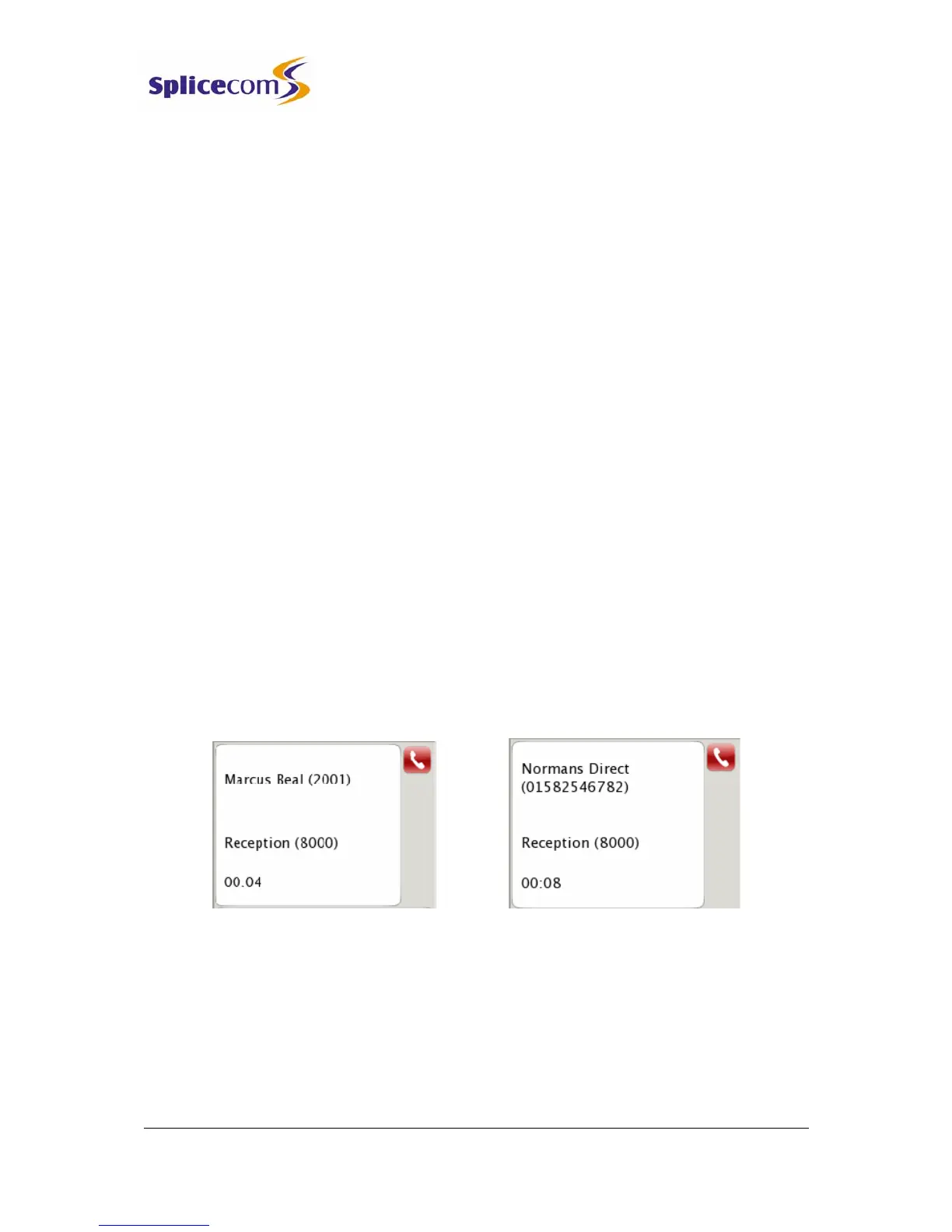
When you receive a call for a Department instead of your details being displayed Call Status
will display the Department name. This allows you to determine, before answering the call,
whether you are receiving a personal or Department call and allows you to answer the call in
the correct manner.
Make a call to a Department
You may wish to ring a Department in order to talk to an available member of, for example,
the Personnel department rather than ringing one specific member of that department only
to find they are not available and then having to ring another extension, etc.



 To Next Page