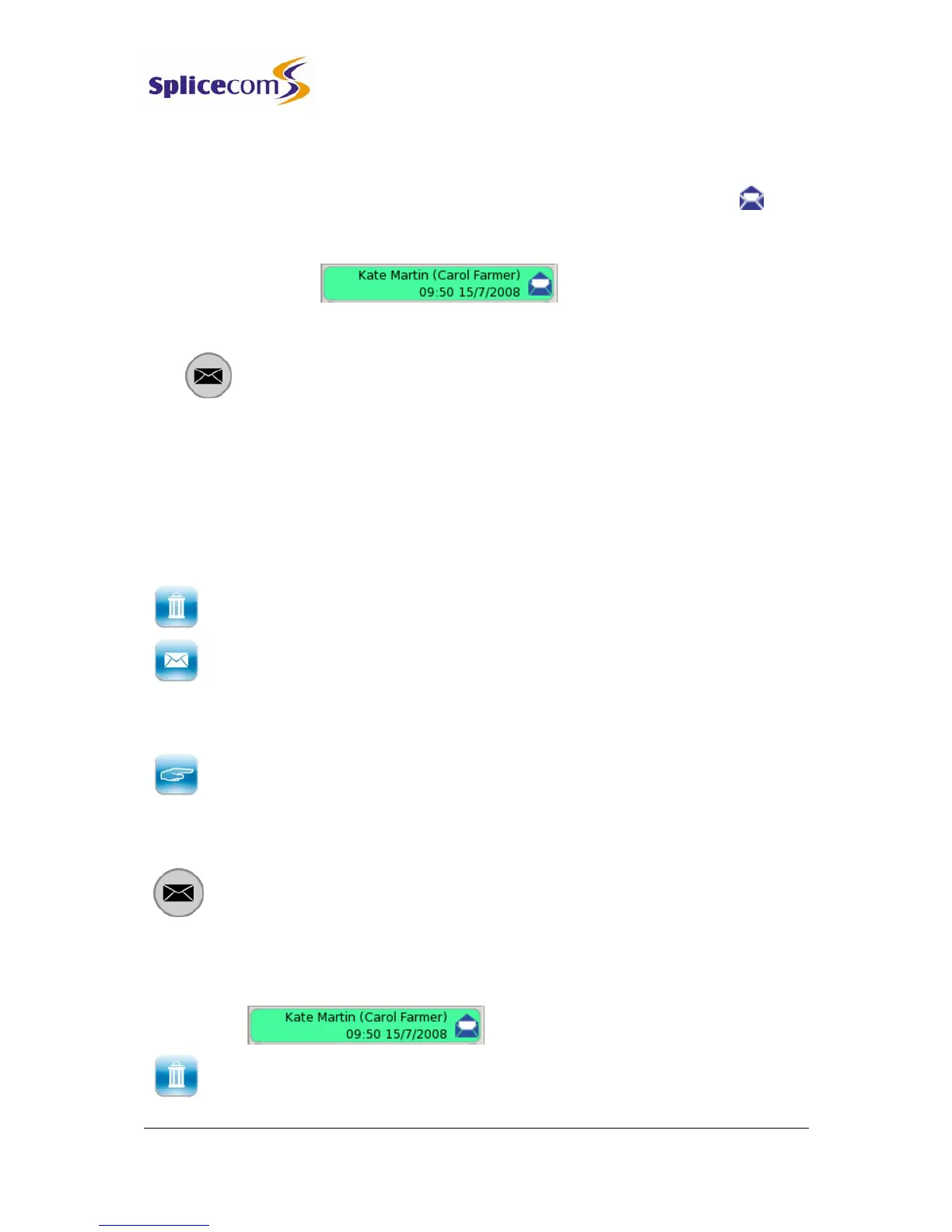
4 Press the context sensitive key beside the message required. The entry
will become green and the message will be played
5 The message will now be displayed with an open blue icon as this
is now an old message and will be deleted after 7 days unless
manually saved.
6 If you wish to listen to another message press the context sensitive key
beside the message required.
7 Press the Messages button to return to your idle page.
For information on how to save a message please refer to your System Administrator.)
Message Handling
When a message is selected the following options are available:
Skip Back – rewind the message by 2 seconds
Delete - delete the message permanently
Forward - send the message to your email or a colleague’s email account. The
message will appear as a sound file in an email and a PC with a sound card and
speakers will be required to listen to the message. (This facility must be previously set
up on your telephone system – please refer to your System Administrator for further
information.)
Choose - to ring back the caller, display the list of numbers stored for this caller, if
recognised by the system, and choose the number to dial.
Delete a message
1 Press the Messages button. Your Calls History will be displayed.
2 Use the Page Down and Page Up buttons to display the entry required.
3 Press the context sensitive key beside the message required and the selected
message will become green.
4 Press the context sensitive key beside the Delete icon.



 To Next Page