If you know the extension number of the Department required you can dial this number in
the normal way. Alternatively, you can use the Contacts directory to call the Department as
follows:
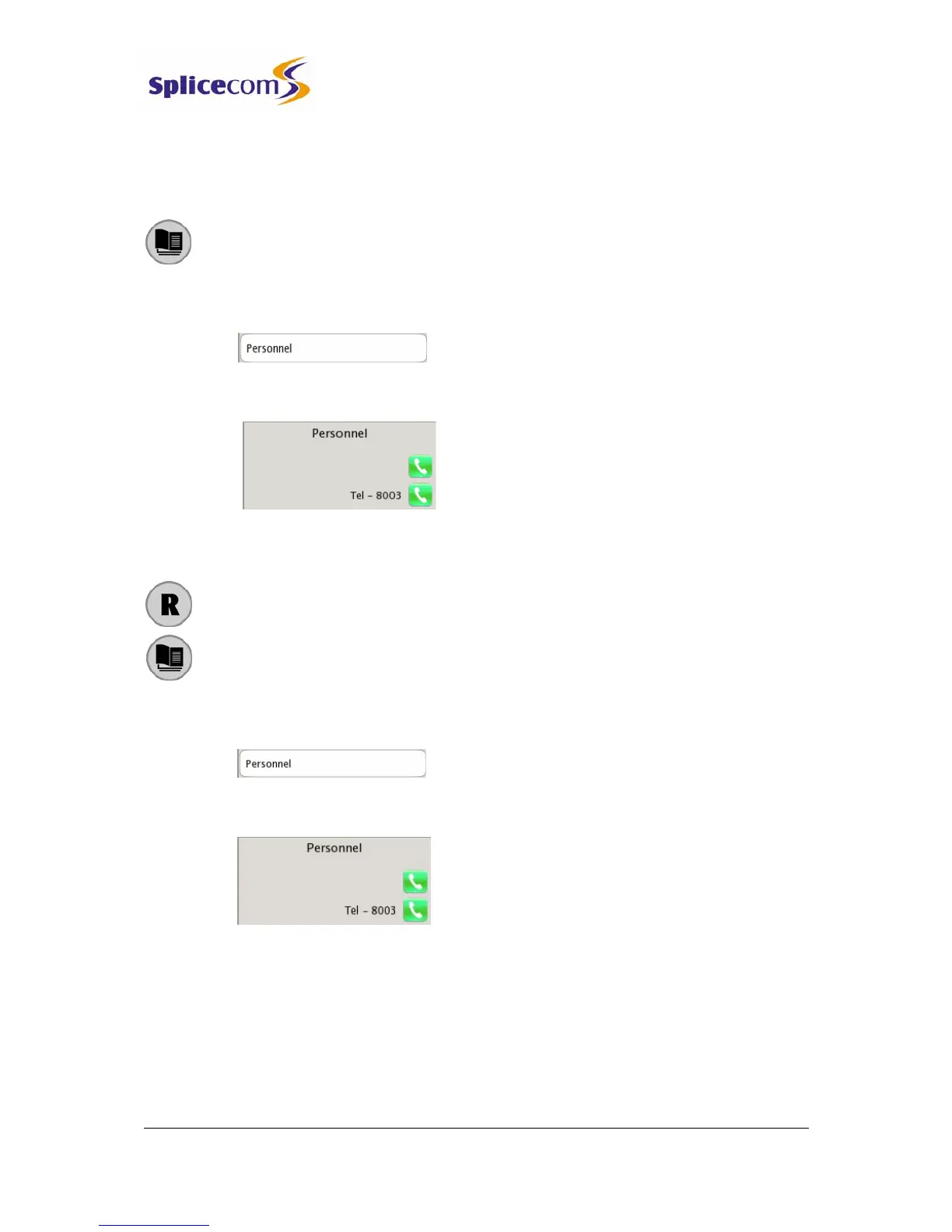
1 Press the Contact button to access the directory
2 Use the Search facility to find the Department required
3 Press the context sensitive key beside the Department you wish to call
4 Press the context sensitive key beside the Tel number. A call to the Department
will be made automatically.
Transfer a call to a Department
1 Place the call on hold by press the Recall button
2 Press the Contact button to access the directory
3 Use the Search facility to find the Department required
4 Press the context sensitive key beside the Department you wish to call
5 Press the context sensitive key beside the Tel number. A call to the Department
will be made automatically.
6 Wait for the call to be answered and announce the call
7 Transfer the call by replacing your handset or by pressing the Speaker button.
You will no longer have control of the call.
For further information on transferring a call please refer to page 7.



 To Next Page