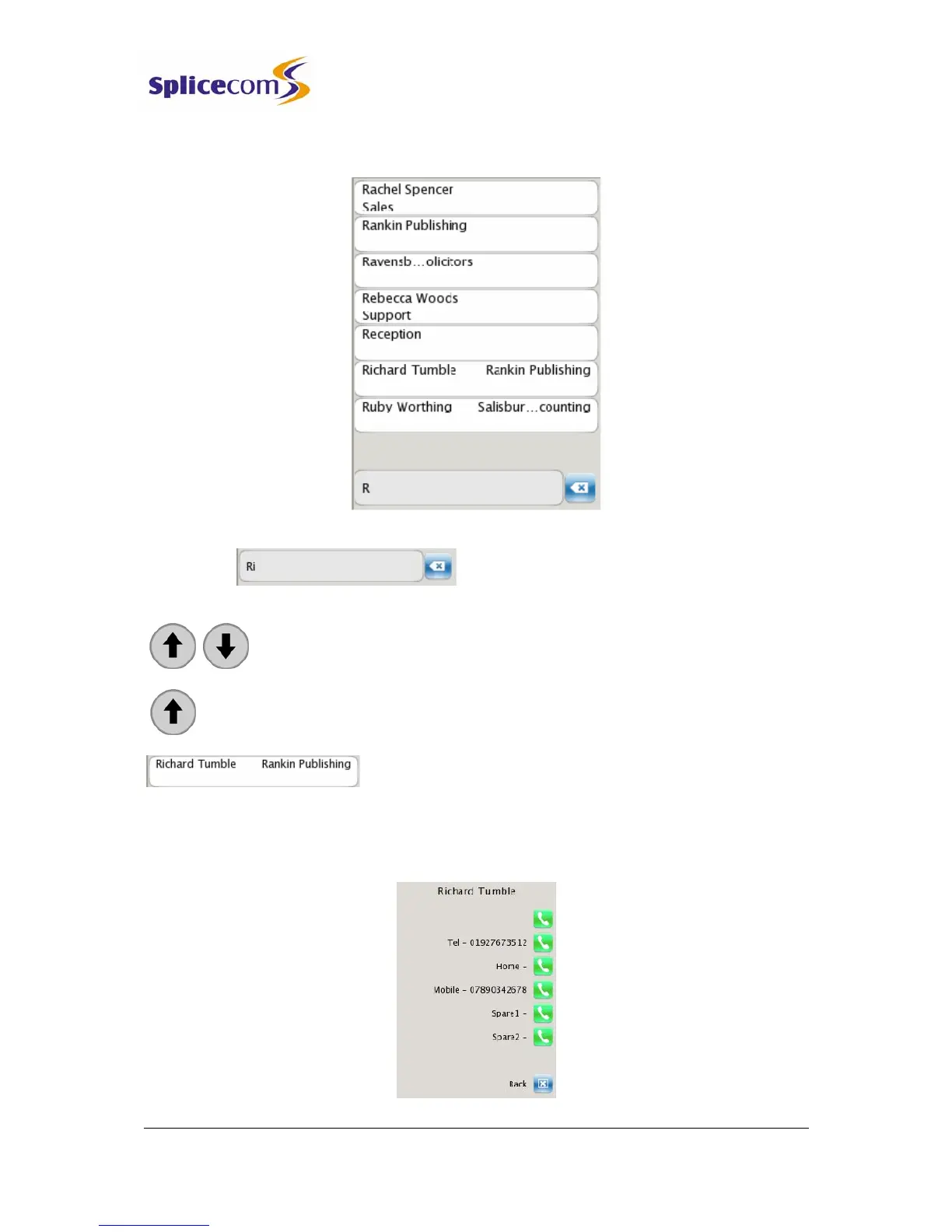
5 Continue to press the key until the letter required has been entered.
6 The directory entries commencing with this letter will be displayed.
7 Further letters can be entered to reduce the search
or
Use the Page Up and Page Down buttons to find the specific entry required.
Press the Page Up button to go to the bottom of the list.
Press the context sensitive key beside the contact you wish
to view.
The list of numbers stored for this contact will be displayed. Up to 5 numbers per contact can
be stored on the database.



 To Next Page