Voicemail
PCS 571/572 User Manual v3.2/0913/1 53
Listen to a message for a Department
Your user account can be configured so that voicemail messages received for a particular Department can
be accessed via your Calls History, please refer to your System Administrator for further details, if not
already available. You can retrieve and handle the messages in the same way as your personal messages.
Press the Messages button.
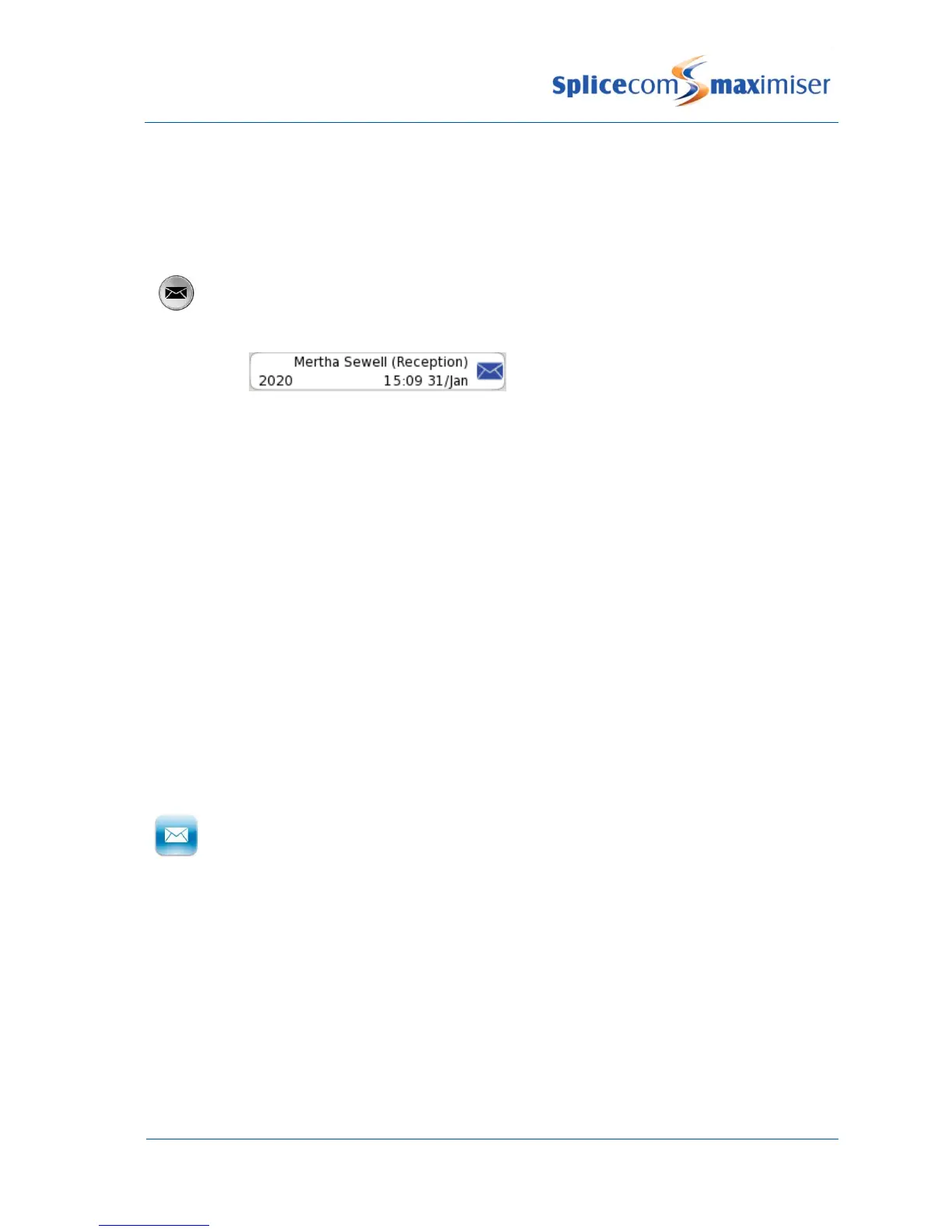
The new message will be displayed giving:
The caller’s name, if recognised by the system
The name of the relevant Department in brackets
The number received with the call (if presented)
Time and date of the call (please note that if the message was received today only
the time will be displayed)
Press the context sensitive key beside the message required.
The entry will become green and the message will be played.
Please note that if you are able to access Department voicemail messages via your PCS 571/572 the
answered and missed calls for the Department will also be displayed in your Calls History. Please refer to
page 18 for further information on the Calls History.
Leave a message for a Department
You will automatically transfer to a Department’s voicemail after the time specified by the Department’s
configuration on the system. However you can connect directly to a Department’s voicemail using Dial
Ahead, as follows:
Dial the Department’s extension number on the keypad
Press the context sensitive key beside the Leave Message icon
Lift your handset, if required, and leave a message when requested
If you start to call a Department and then decide to leave a message instead press the context sensitive
key beside the Leave Message icon displayed at the top right hand side of Call Status.
Please note: that this facility will only be available if voicemail has been enabled for relevant Department.
Leave a message for a Department using the Contacts directory
You may wish to leave a message for Department but do not know the extension number. You can search
for the Department via the Contacts directory. (For further information on using the Contact directory
please refer to page 22.)



 To Next Page