Chapter 5. Setting Up the Ethernet
May 2002 T-38324-A Page 5-19
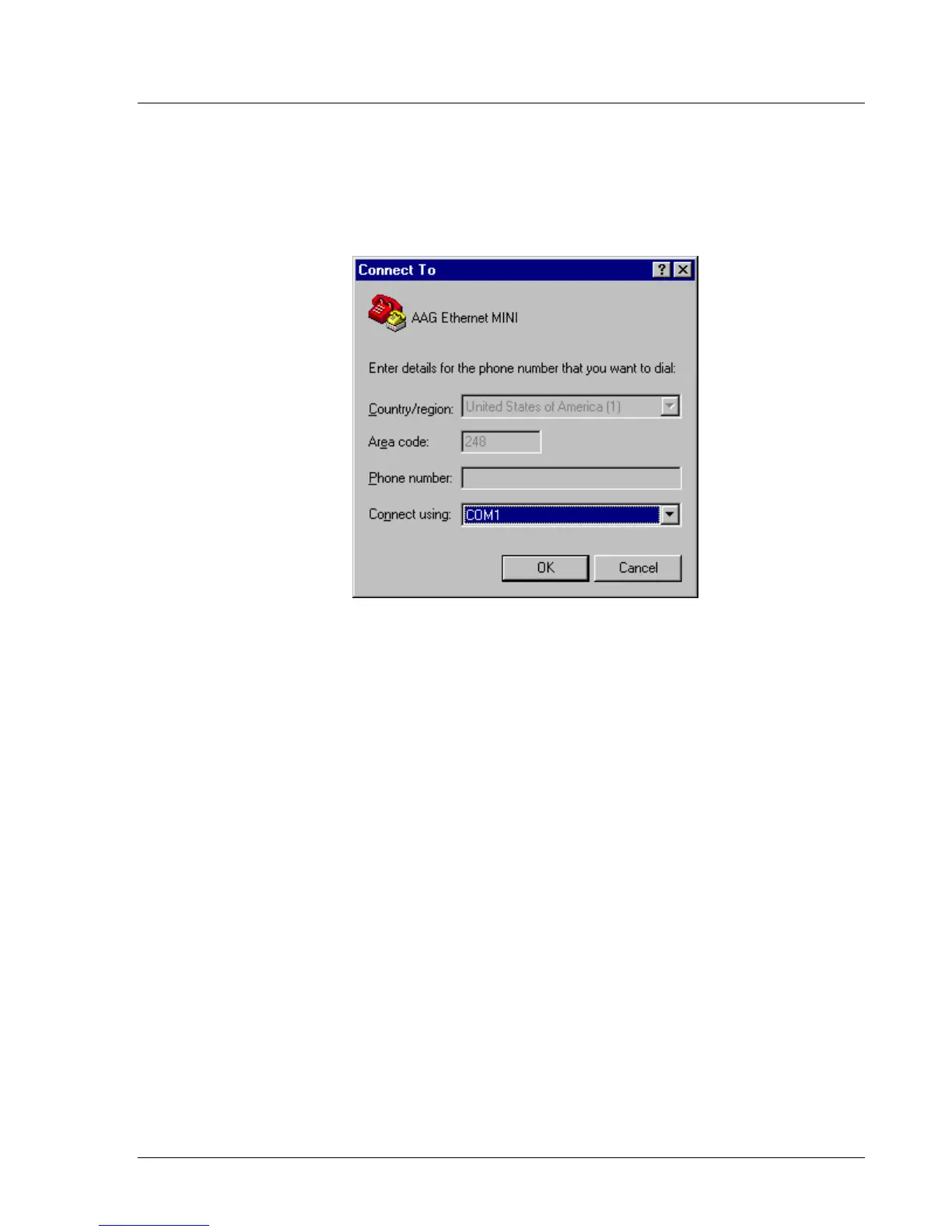
3. Select the communications port you want to use for the Hyperterminal connection.
See Figure 5-18.
This is the communications port to which the null modem cable is attached. Usually
COM1 is the communications port selection but you may choose any communications
port on the computer.
Figure 5-18. Select Communications Port


 To Next Page