CS4000 Mini Controller with Ethernet
Page
5-20
T-38324-A 39-30-38324
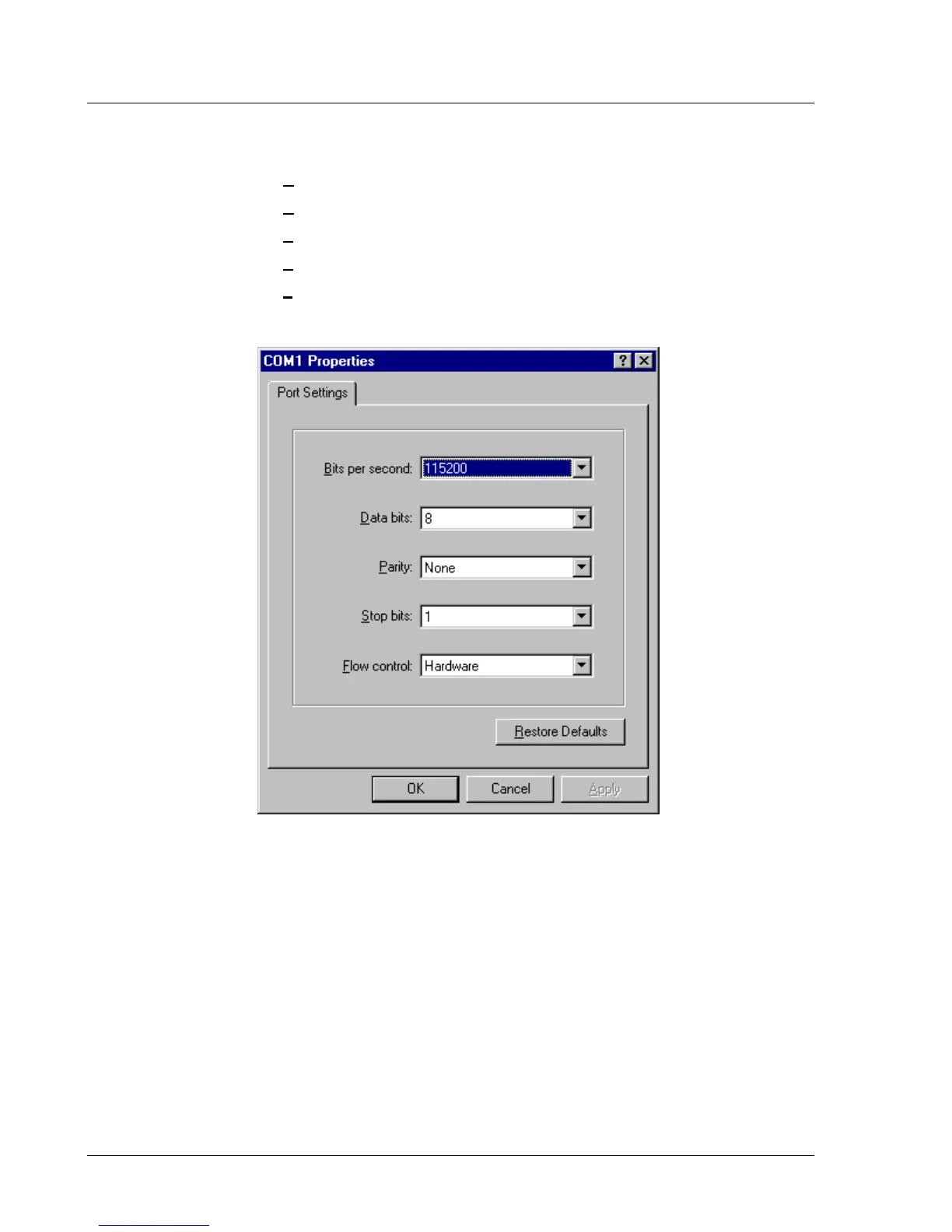
4. Specify the communications port settings. See Figure 5-19.
a. Set the Bits per second: field to 115200.
b. Set the Data bits: field to 8.
c. Set the Parity: field to None.
d. Set the Stop bits: field to 1.
e. Set the Flow Control: field to Hardware.
f. Click OK.
Figure 5-19. Setting the Communications Port Settings
When you click OK, Hyperterminal attempts to make a connection with the attached
Ethernet interface card.


 To Next Page