30
_________________________________________________________________________________
OmniaTap xs
basic
; Version August 2023
Subject to technical changes
13.4 Volume metered water withdrawal (optional)
Pressing the withdrawal button takes you from the main display to the withdrawal display. In the
withdrawal display you have the option to select one of the preset withdrawal values. You can select
one of the preset values (see table below) using the arrow keys and start the withdrawal by pressing
the withdrawal button. This is automatically stopped when the set withdrawal value is reached.
However, you can stop the water dispensing at any time by pressing the withdrawal button again. You
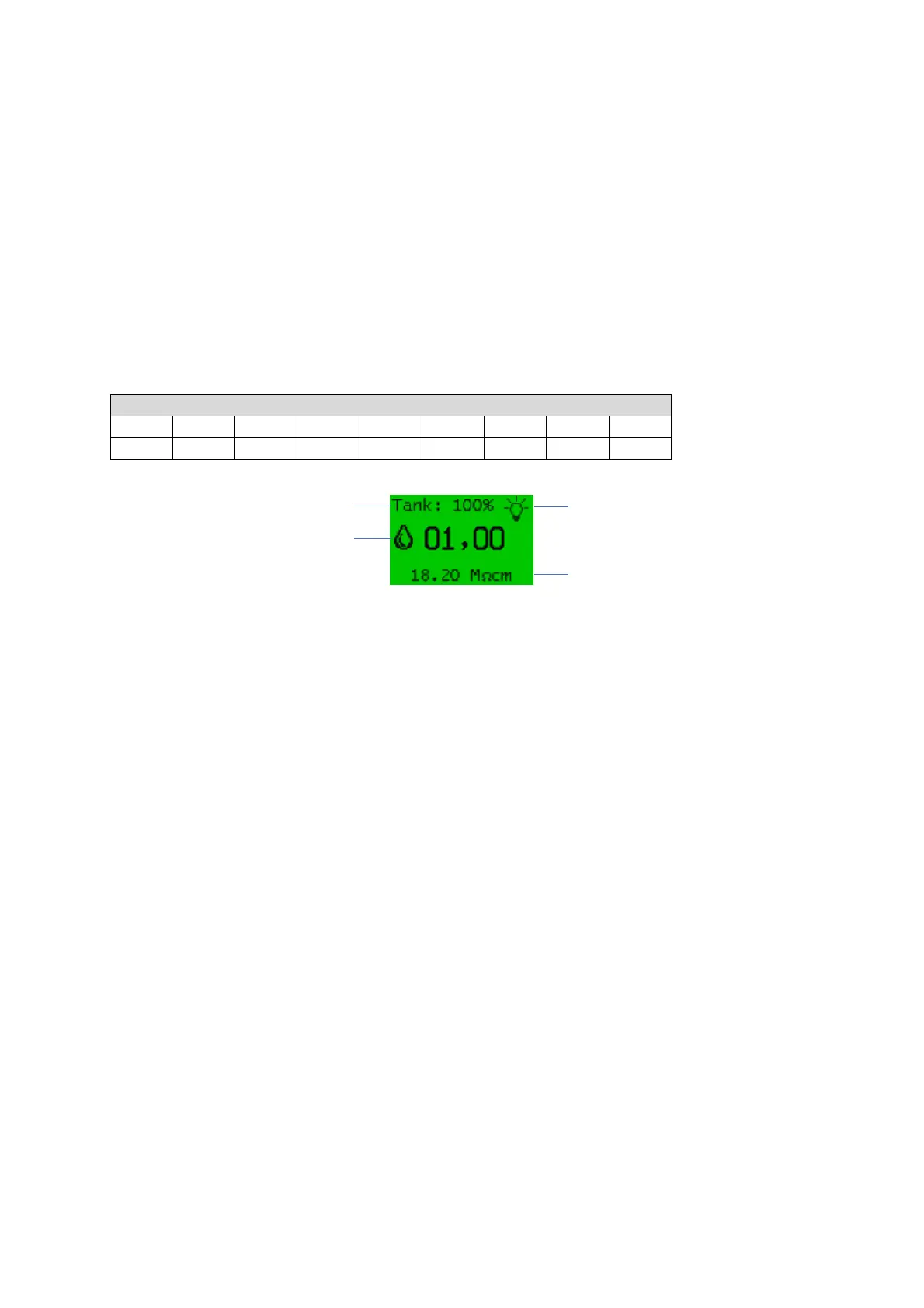
can see the amount of water currently being removed on the display while the water is being
withdrawn. The conductivity of the ultrapure water is displayed to check the water quality. When
withdrawal is complete, the system resumes regular operating mode. If there is no input for more than
one minute, the system automatically returns to the main display.
Preselectable withdrawal quantity in l
Conductivity Withdrawal (LF2)


 To Next Page