40
_________________________________________________________________________________
OmniaTap xs
basic
; Version August 2023
Subject to technical changes
19 Malfunctions, causes & solutions
19.1 Automatic system monitoring
The OmniaTap xs system automatically monitors multiple system parameters for abnormalities. If one
of the monitored system parameters deviates from the respective specification, both an optical and
an acoustic error message are issued. In the event of a fault, the display lighting changes to red and, if
activated, a warning tone is emitted. The type of fault is indicated by a corresponding text output on
the display. If a limit value is exceeded, the corresponding LED also changes from green to red.
By pressing the Enter key you can confirm the error message and thus end the
warning tone that may sound.
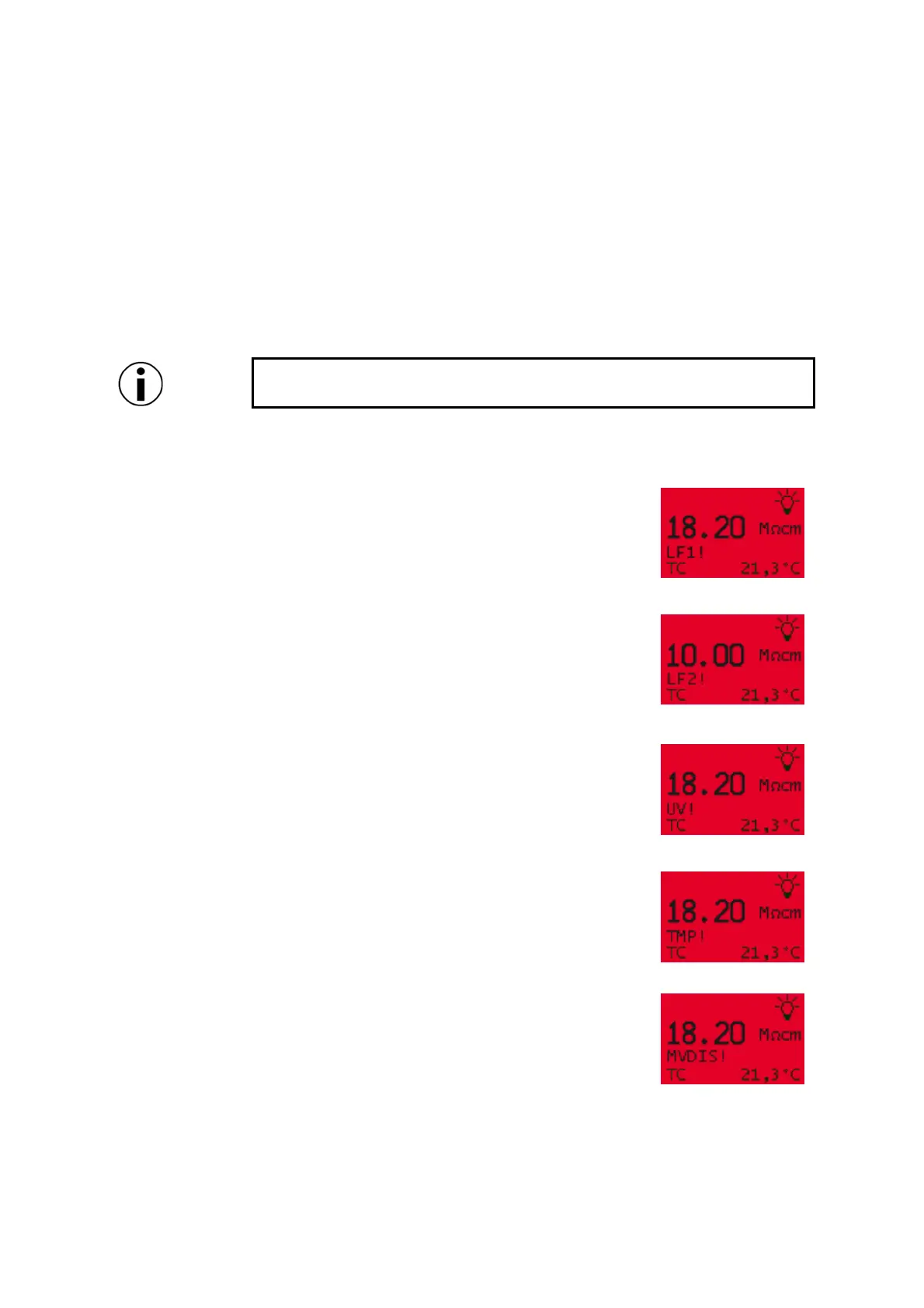
The individual fault displays are shown below:
If a limit value for the conductivity LF1 was set in the setup under
"Limit values", the error "LF1!" is displayed when the value is
exceeded. If there is a defect in the conductivity measurement LF1
(e.g. cable break), "LF1!" is also output. The fault is displayed until the
conductivity LF1 falls below the limit value again or the defect has
been remedied.
If a limit value was set for LF2, the error "LF2!" is output when the
value is exceeded. In the event of a defect in LF2, the error "LF2!"
would also be displayed. The fault is issued until the conductivity LF2
falls below the limit value again or the defect has been remedied.
In systems with optional UV flow disinfection, the error "UV!" is
output if the UV lamp malfunctions.
If a limit value was set for the temperature, the error "TMP!" is
displayed when the limit value is exceeded. If the temperature falls
below the limit value again, the fault is reset.
If the removal solenoid valve of the OptiFill Dispenser is defective (e.g.
broken cable), this is indicated by the error message "MVDIS!". As
soon as the defect has been rectified, the error display is reset.


 To Next Page