31
_________________________________________________________________________________
OmniaTap xs
basic
; Version August 2023
Subject to technical changes
13.5 Menu / Settings
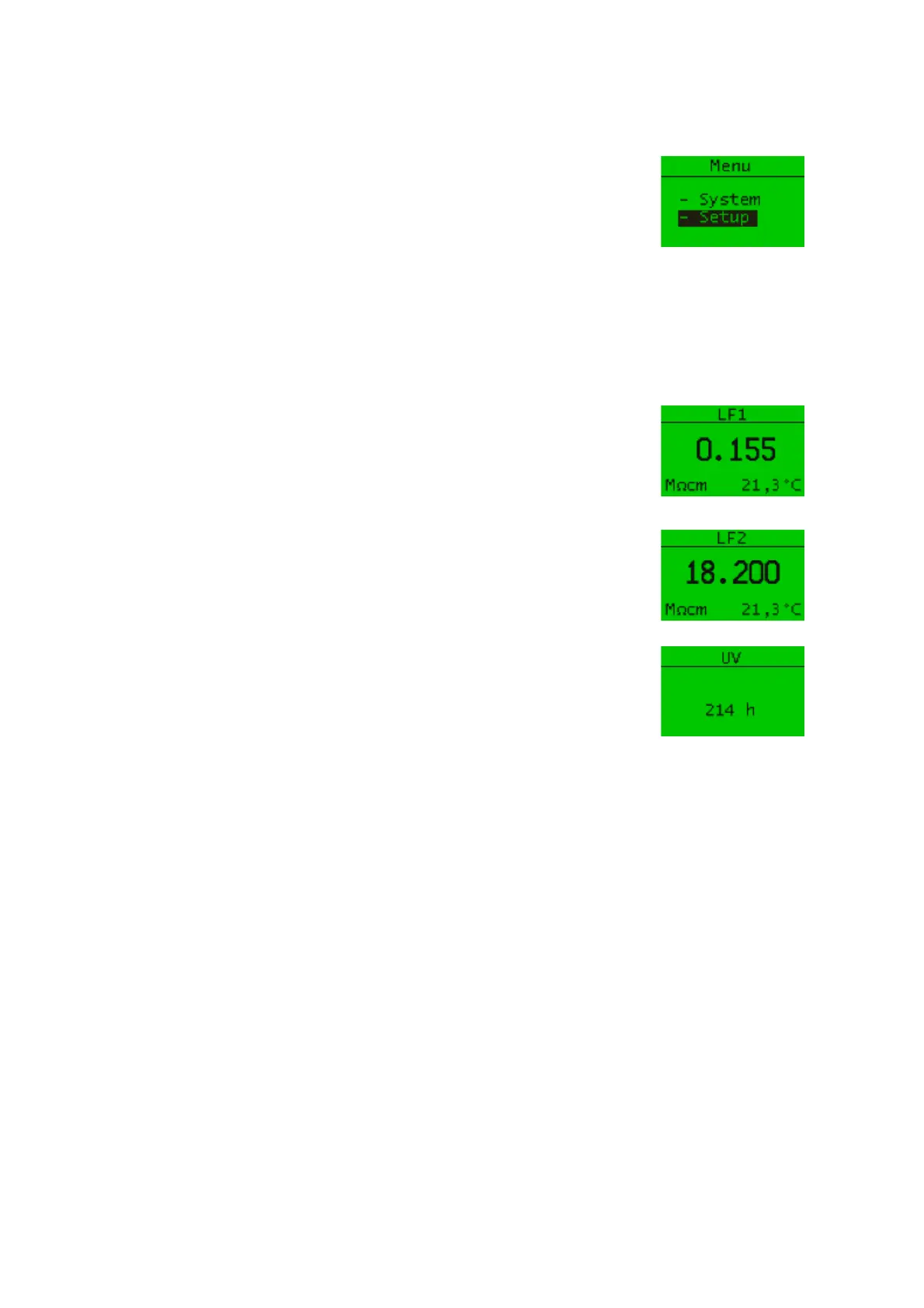
If you press the menu / esc button when the main display is open, you
get to the menu selection. Here you can use the arrow keys to choose
between "System" and "Setup".
13.5.1 System
If you have selected the "System" item in the menu selection, use the arrow keys to access the
following menu items:
"LF1" shows you the current measured values of the measuring cell LF1.
The conductivity, in the selected unit, and the temperature of the water
after the pre-treatment stage are displayed.
"LF2" shows you the current measured values of the measuring cell LF2.
The conductivity, in the selected unit, and the temperature of the water
after the ultrapure water cartridge are displayed.
In systems with UV flow-through disinfection, you can view the operating
time of the UV lamp under the "UV" menu item.


 To Next Page