Hardware Features
M200 Fall Monitor – Setup & User Guide 7
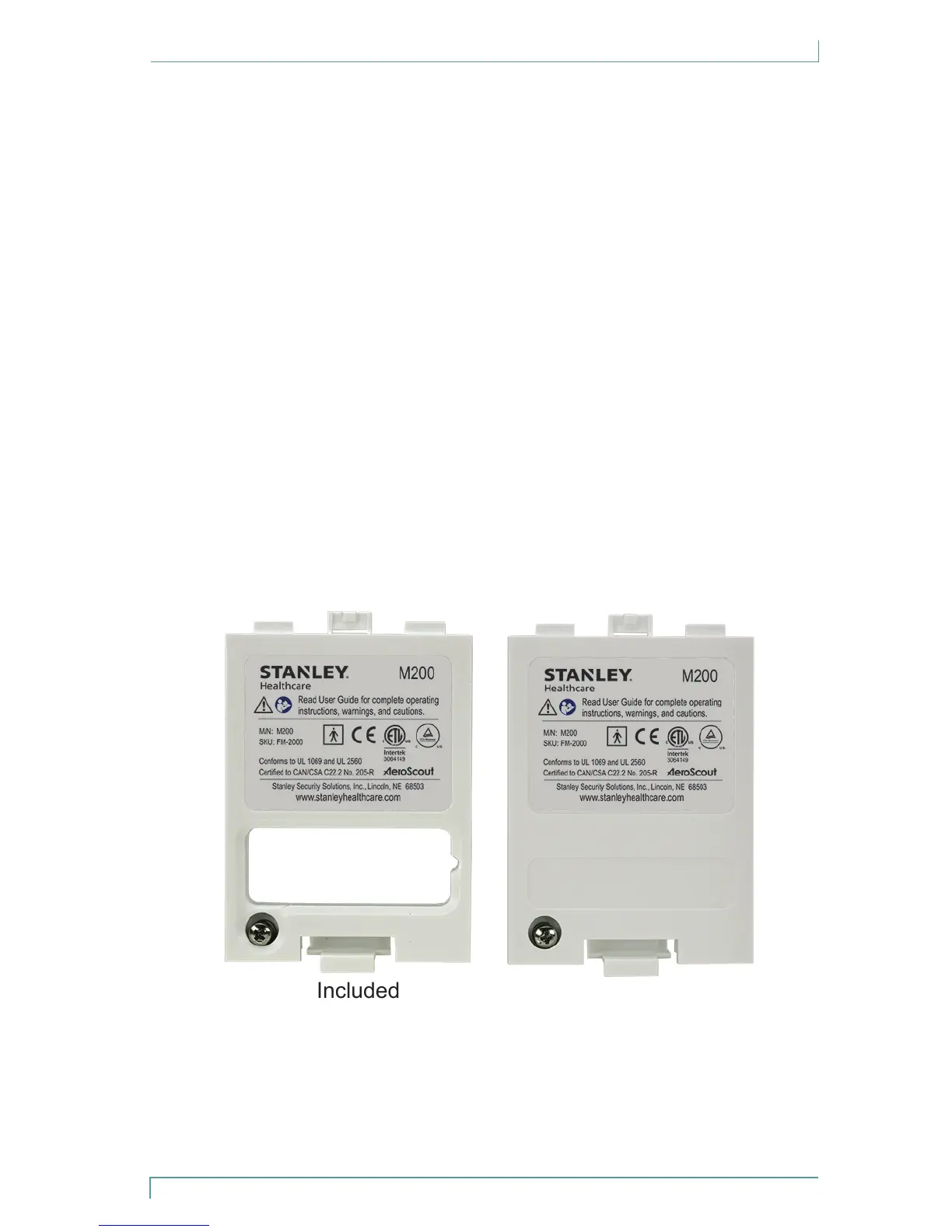
Battery Covers
The battery cover is used to protect the batteries, and depending
on the version chosen, it also serves to allow, or restrict access to the
control settings.
1 Open-window cover - allows easy access to the following control settings:
• Volume
• Tone
• Illumination intensity
• Record button
• Play button
• Recording indication LED
2 Fully-closed cover (optional) - provides tamper resistance to the
control settings
The open-window version is attached by default. The fully-closed cover
can be purchased separately.
Included
Optional
Tighten the retention screw on the lower corner of the door to secure
the battery cover in place.


 To Next Page