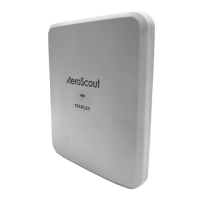
Hardware Features
M200 Fall Monitor – Setup & User Guide 9
Ports
The following ports are located on the bottom side of the monitor.
• Power Supply - This is used to connect a 5V/2A power supply.
NOTE: Use only the power supply provided by STANLEY Healthcare
(ADP-080).
• Nurse Call Cable - This is used to connect a Nurse Call cable (0707-
569 sold separately).
• Sensormat Pad (PAD 1 and PAD 2) - These are used to connect
two pads at the same time. See “Using Sensormat Pads” on page
17.
Additional Features
The monitor is latex-free and includes a bumper around the perimeter
for added durability.


 To Next Page