Monitor Setup
M200 Fall Monitor – Setup & User Guide 13
Illumination Intensity (Lightbulb icon)
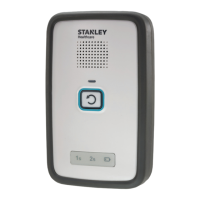
The Illumination Intensity switch controls the brightness of the LED
flashes around the Reset Button and Alert Delay icons while the
monitor is armed and using batteries only.
Switch positions are as follows:
• Position 0 – No blinking
• Position 1 – LED blinks medium brightness
• Position 2 – LED blinks full brightness
Note: When operated by external power, and the switch is set to “1” or
“2”, the LED remains constantly on.


 To Next Page