57
SETTINGS OF FUNCTION PARAMETERS IN MENU
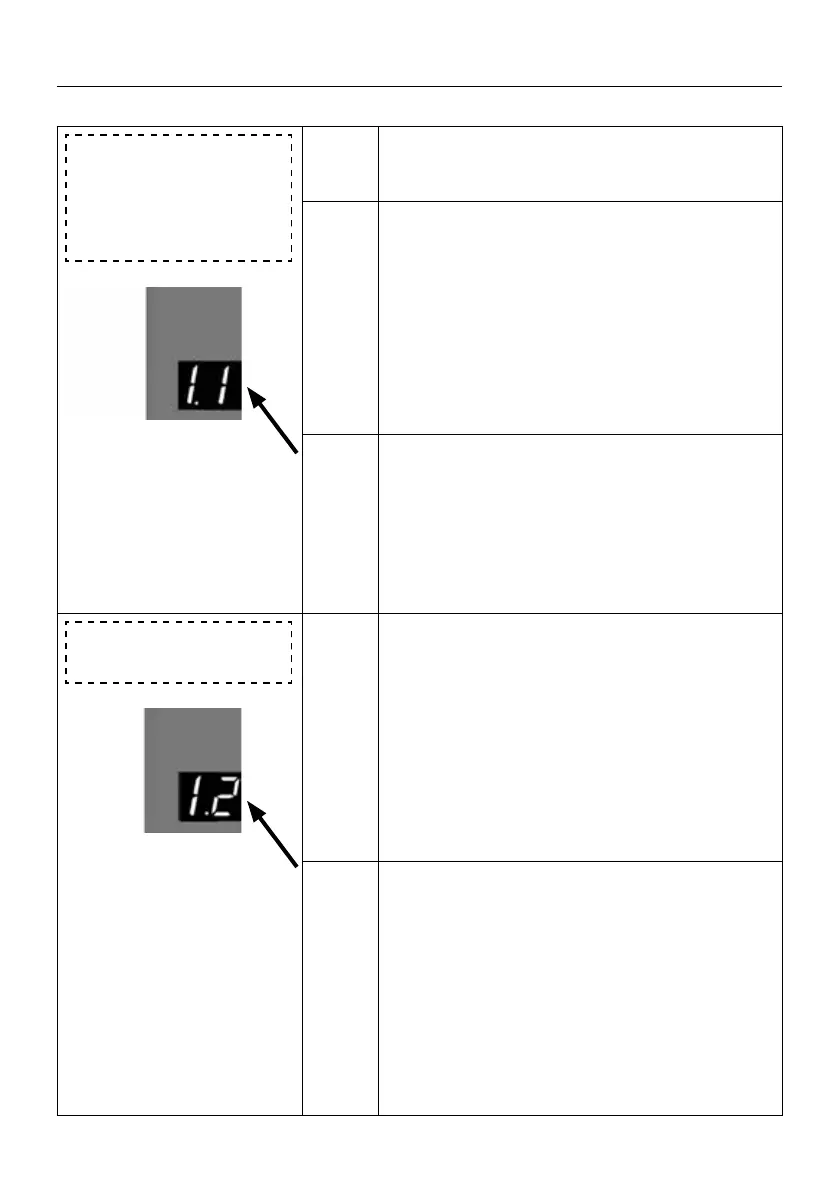
1. 1 Reversal Distance
Ignorance Setting (Fine
adjustment of the pre-
-close limit position- for
DW)
1. 1
Press UP till “1.1” appears on the display.
Press SET to enter the Reversal Distance Igno-
rance Setting.
.8
The digital ashes .8
Adjust the stalls from .1 to .F by button UP
or DOWN, Press SET to conrm the function
option, automatically exit to the menu
1.2 to
continue setting the next function menu, or
press the RETURN button to exit the function
setting.
Note: According to the door rail system and the size
of the cable drum, the adjustment range of
each setting is between 20 mm -50 mm (Ba-
sed on the dierent cable drum installed).
Default
.8 is about 35mm.
The calculation format is like this:
[8] * 2* 2.2mm
1. 2 Fine adjustment of
the open limit position
1. 2
Press and hold SET button for about 6 seconds
to enter main menu until “0.-” appears on the
display then release the button.
Press UP till “1.-” appears on the display.
Press SET then “1.0” appears on the display.
Press UP till “1.2” appears on the display.
- 5
Press SET to enter, digital ashing display -5,
Use the UP or DOWN buttons to adjust the
number displayed on the digital tube between
-F… 0 to F Select the target parameter,
press SET to conrm the function option, then
exit to the menu
1.3 Continue to set the next
function menu, or press the cancel button to
exit the function setting.



 To Next Page
 Loading...