58
SETTINGS OF FUNCTION PARAMETERS IN MENU
Note:
- 5
Default - 5
a. Select 0 to F which means the limit
position moves further in the OPEN DOOR
direction.
- Select
- F to 0 which means the limit
position moves in the door center direction.
1. 3 Fine adjustment of
the close limit position
1. 3
Press and hold SET button for about 6 se-
conds to enter main menu until “0.-” appears
on the display then release the button.
Press UP till “1.-” appears on the display.
Press SET then “1.0” appears on the display.
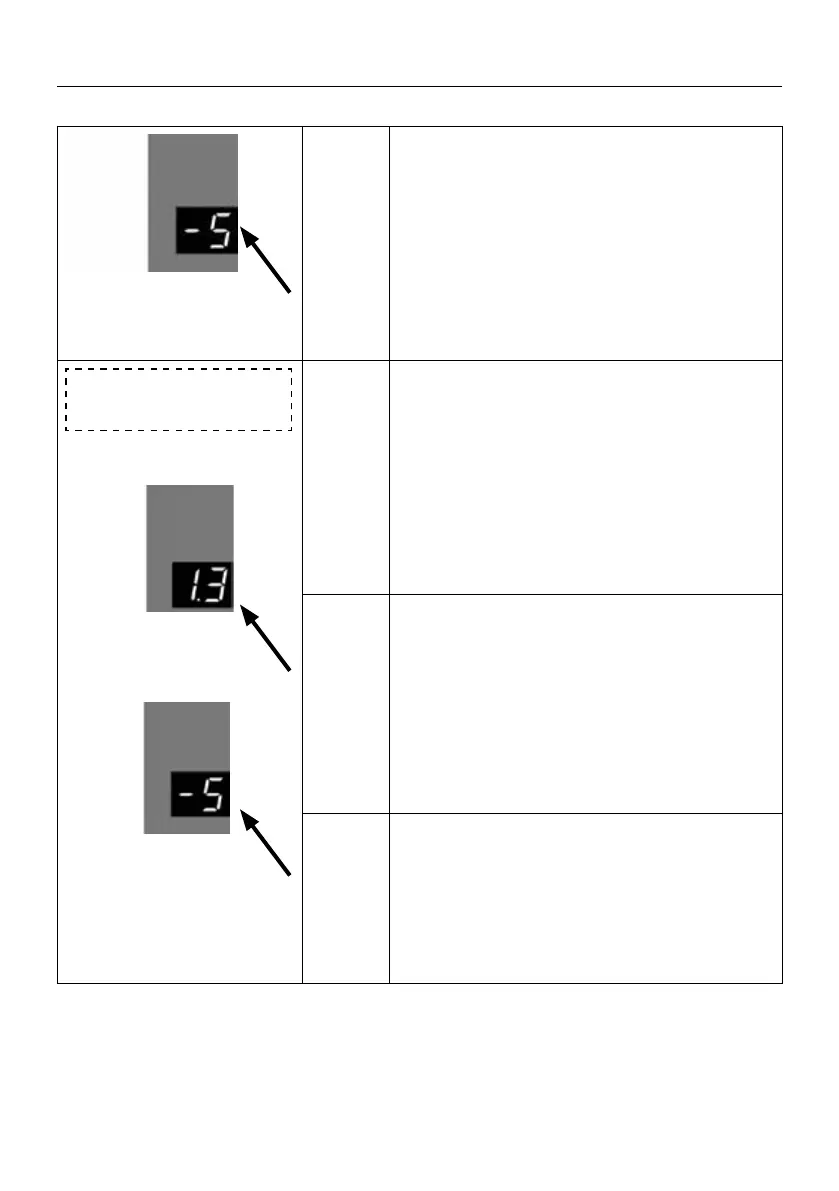
Press UP till “1.3” appears on the display,
- 5
Press SET to enter, digital ashing display
-5 ; Use the UP/DOWN buttons to adjust
the number displayed on the digital display
between
- F 0 to F. Select the target
parameter, press SET to conrm the function
option, then exit to the menu
1.3
Note
Default
2.-
a. Select
0 to F, which means the limit po-
sition moves in the CLOSE DOOR direction.
b. Select
-F to 0 , which means the limit
position moves in the door center direction.


 To Next Page
 Loading...