64
Note
Only the Normal-Close (NC) contact is compati-
ble with the “PE” port terminal.
2. Make sure the Infrared Beam /Light Cur-
tain has been correctly installed, otherwise
the door will be allowed for opening but not
closing. The digital displays faulty
E 6
5. 2 Built-in Infrared
Beam /Light Curtain identi-
cation setting
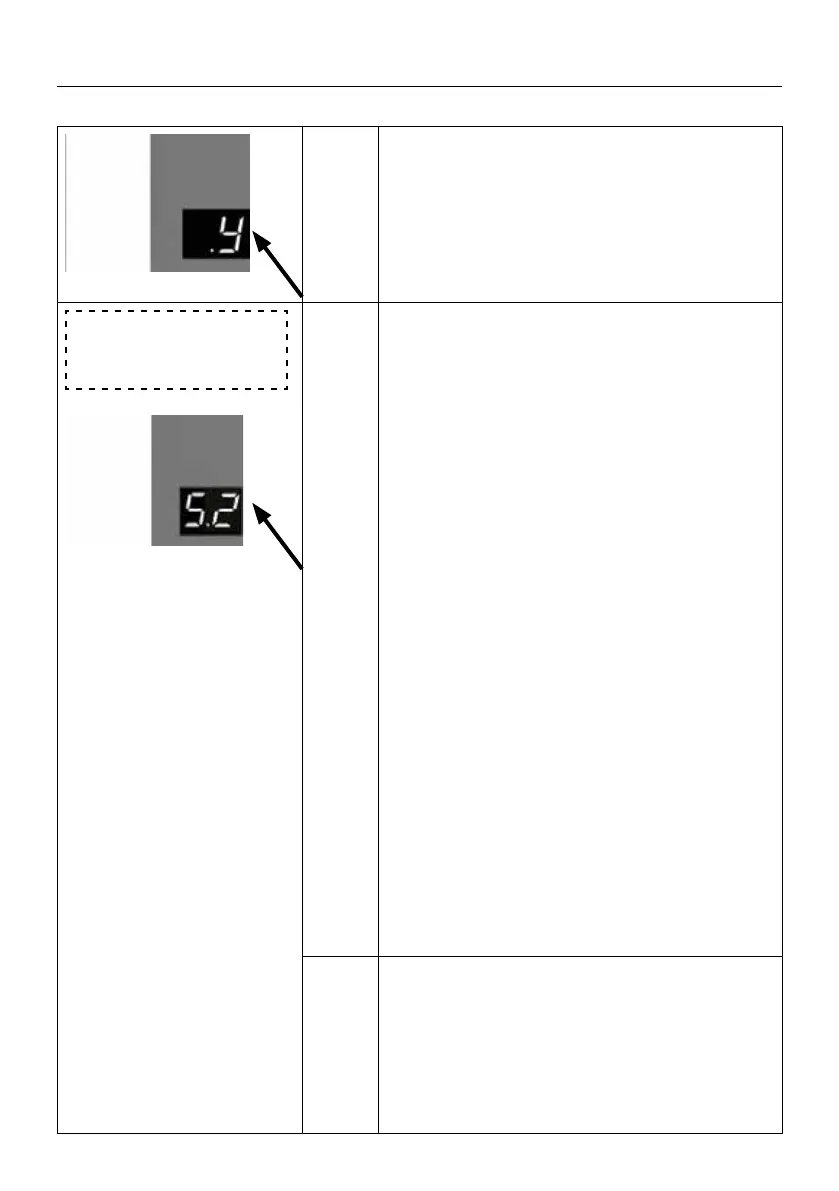
5.2
Important Notes:
Pre-Installed and tested (Refer to the menu
“5.1”) the built-in Infrared Beam /Light Curtain
to ensure it’s correct performance before select
the menu .
Select
5.2 function enter into the menu of
built-in Infrared Beam /Light Curtain identica-
tion setting. The display shows
-- which means the original travel limits sho-
uld be re-set.
Refer to the menu
0.- , or refer the quick
setting guide by “AAS” Automatic adapt sys-
tem to reset the travel limit.
Remark: The built-in infrared Beam /Light Cur-
tain will be identied automatically during the
time of travel limit learning.
Press the “UP” button to open the door comple-
tely and then press the “DOWN” button to close
the door, manually block the infrared sensor/li-
ght curtain during the door’s closing, ensure the
door panel will be reversed correctly.
Press the “Down” button to close the door aga-
in. The door can be closed properly which me-
ans the built-in infrared Beam /Light Curtain
identication function works correctly.
Note
1. Only the Normal-Close (NC) contact is compa-
tible with the “PE” port terminal.
2. Make sure the Infrared Beam /Light Curtain
has been correctly installed, otherwise the door
will be allow for opening but not closing. The
digital displays faulty
E 6.
SETTINGS OF FUNCTION PARAMETERS IN MENU



 To Next Page
 Loading...