65
6. —
6.0
Partial opening
height setting
6.0
5.0
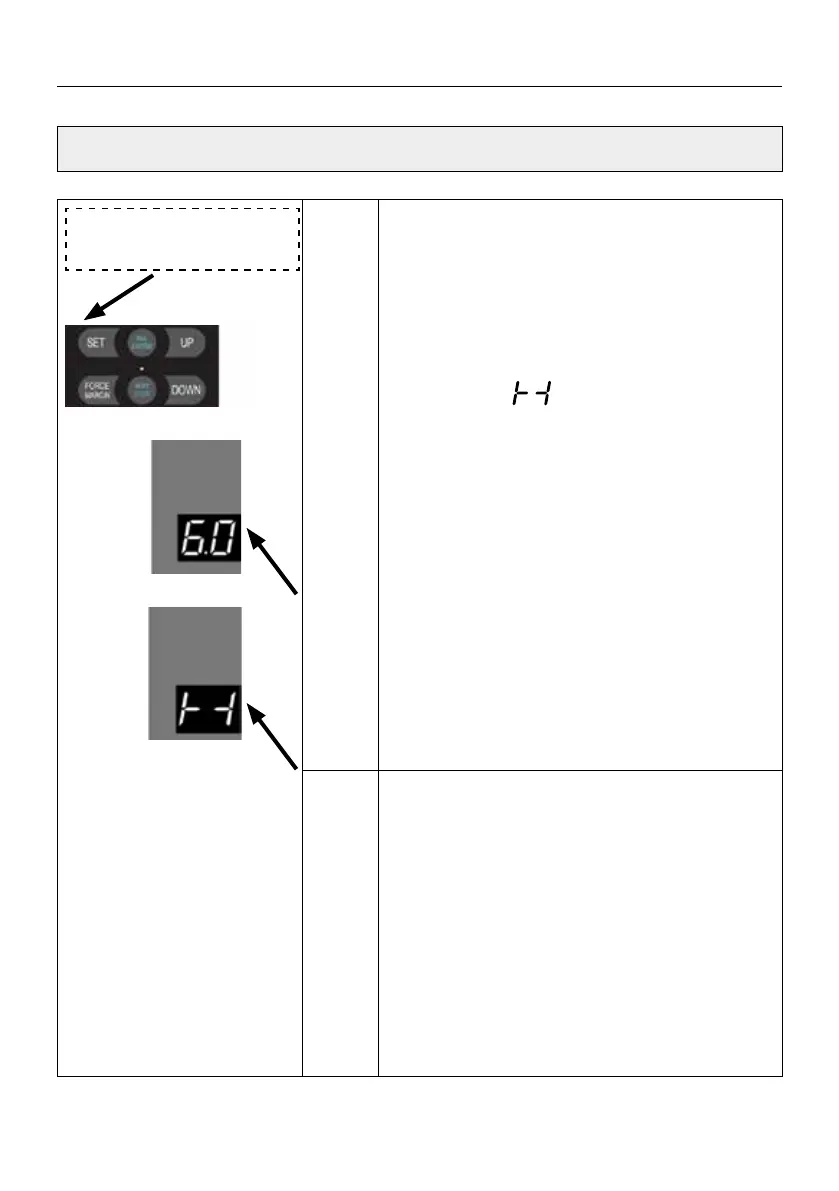
Press and hold SET button for about 6 seconds
to enter main menu until “0.-” appears on the
display then release the button.
Press UP till “6.-” appears on the display.
Press SET then appears “6.0” on the display.
Press SET enter into the Partial open position
setting.
Press SET to enter the function menu, digital
quickly display
Then it ashes
.5
Adjust the stalls from
. 1 to .9
by buttons +/-. (9 stalls represent 10%-90% of the
door travel limit).
Press SET to conrm and exit to the menu 1.0
You can continue to set the next function menu.
Or press the RETURN button to exit the function
setting.
Note
.5 (default).
It means that the partial open door position is
50% of the full travel limit.
SETTINGS OF FUNCTION PARAMETERS IN MENU



 To Next Page