67
6. 3 Electronic lock
function
6.3
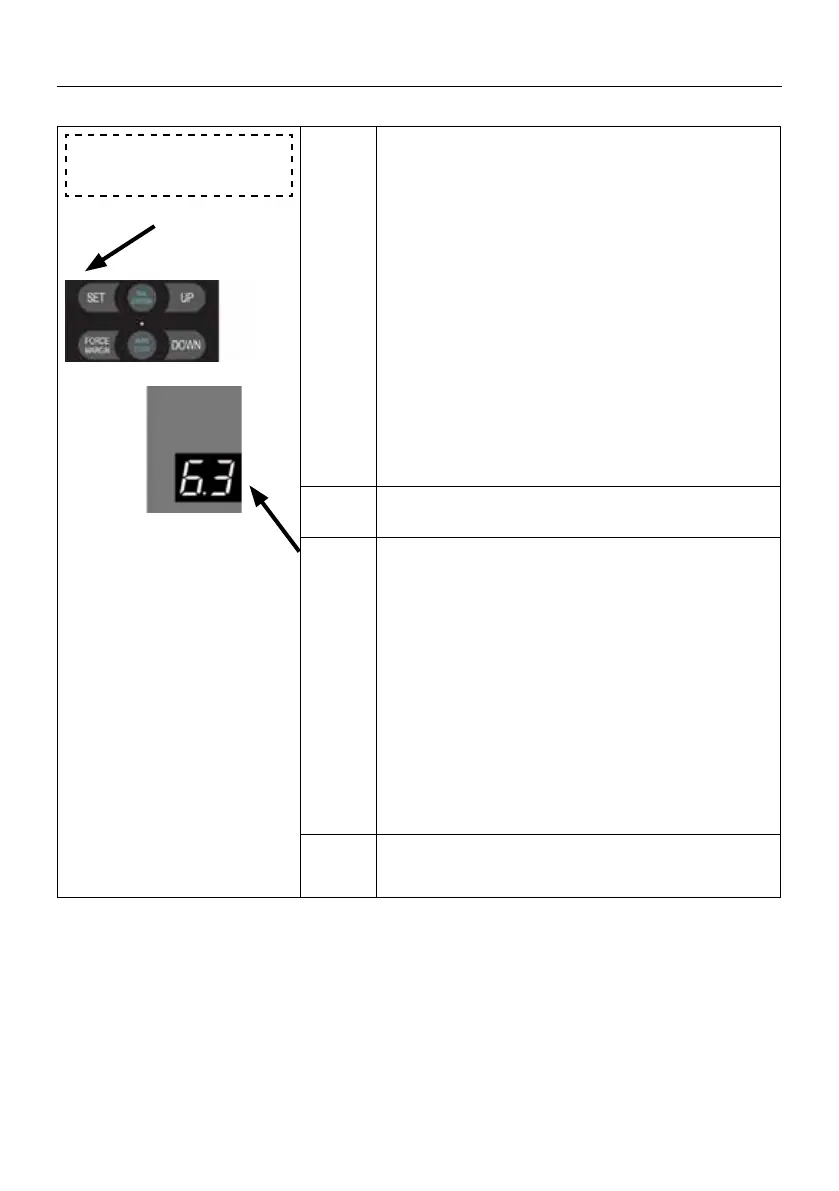
Press and hold SET button for about 6 seconds
to enter main menu until “0.-” appears on the
display then release the button.
Press UP till “6.-” appears on the display.
Press SET then appears “6.0” on the display.
Press UP till “6.3” appears on the display.
Press SET enter into the Electronic lock func-
tion setting.
. 0 . 0 Electronic lock function is o (default).
. 1 . 1
Electronic lock function is enabled:
1 second after the door drive runs to the close
limit position, the electronic lock is powered on,
the bolt is pushed out, and after 1.5 seconds
electronic lock stops supplying power.
After the door drive receives the door opening
command at the close limit position, the elec-
tronic lock will be powered on rstly to retract
the bolt, then the door starts to run after 1.5
seconds, and the electronic lock stops power
supply after the door runs for 1 second.
Note
The default electronic lock function is o.
SETTINGS OF FUNCTION PARAMETERS IN MENU


 To Next Page
 Loading...