69
6. 7 XH06 Relay
output module function
setting
6.7
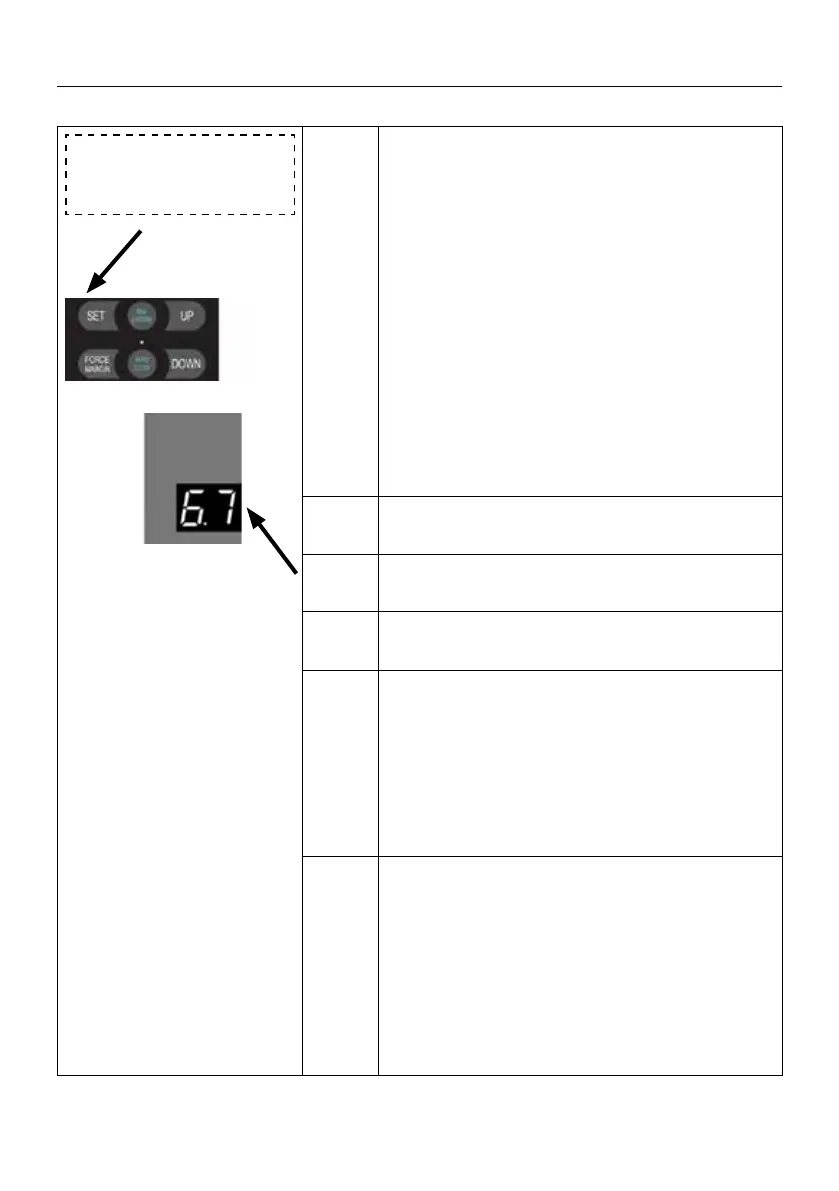
Press and hold SET button for about 6 seconds
to enter main menu until “0.-” appears on the
display then release the button.
Press UP till “6.-” appears on the display.
Press SET then appears “6.0” on the display.
Press UP till “6.7” appears on the display.
Press SET enter into XH06 Relay output module
function setting.
. 1
Reach the open limit position, relay closed.
. 2
Reach the close limit position, relay closed.
. 3
Reach the partial open limit position,
relay closed.
. 4
Before the door drive running, the relay is clo-
sed rst (1-7 seconds time adjustable)
Press SET to conrm and directly enter the
time setting. Adjust the stalls from
1 to 7 by buttons UP/DOWN.
3 default: Represents 3 seconds.
. 5
Relay always closed during the door drive running.
After the door drive stops, relay will be disconnec-
ted after 1-10 minutes delay.(Adjustable time, simi-
lar to courtesy light OFF DELAY function).
Press SET to conrm and directly enter the time
setting. Adjust the stalls from
1
to A
by buttons UP/DOWN. A=10.
A means; 10 minutes.
3
default: Represents 3 minutes.
SETTINGS OF FUNCTION PARAMETERS IN MENU


 To Next Page
 Loading...