70
. 6
The relay is closed during door drive operation.
. 7
When the door drive running, the relay ashes
at a frequency of 1HZ (externally extended
warning light function).
. 8
Relay no action
Note
. 8 default.
The customer can set the function according
to the specic application and choose the ap-
propriate function with the Normal-Open (NO)
and Normal-Close (NC) function of the relay.
6. 8 Safety device port
function
6.8
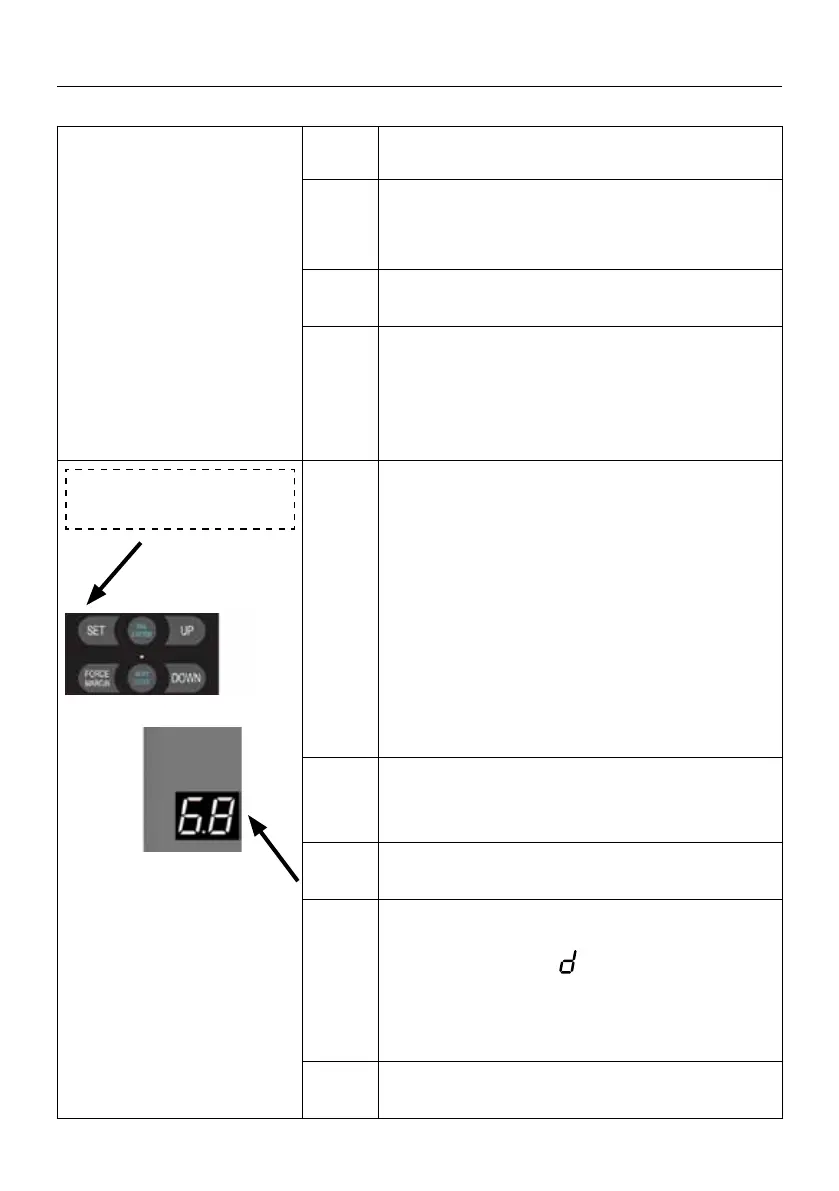
Press and hold SET button for about 6 seconds
to enter main menu until “0.-” appears on the
display then release the button.
Press UP till “6.-” appears on the display.
Press SET then appears “6.0” on the display
Press UP till “6.8” appears on the display.
Press SET enter into Safety device port function
selection.
. 1
Electrical safety edge (Use 8.2K resistor witho-
ut self-test).
. 2
Optical safety edge (Three-wire infrared photo
eyes).
. 3
Air pressure switch (DW)
Note: Use 8.2K resistor for the DW self-test.
Fault display code
E appears when the DW
self learn was failed, refer to the fault report
page for a solution accordingly.
Note
8.2K resistor is used to short-circuit the safety
port by default.
SETTINGS OF FUNCTION PARAMETERS IN MENU


 To Next Page
 Loading...