72
MENU 8 8. —
8.0
Maintenance alarm
cycle-counting setting
8.0
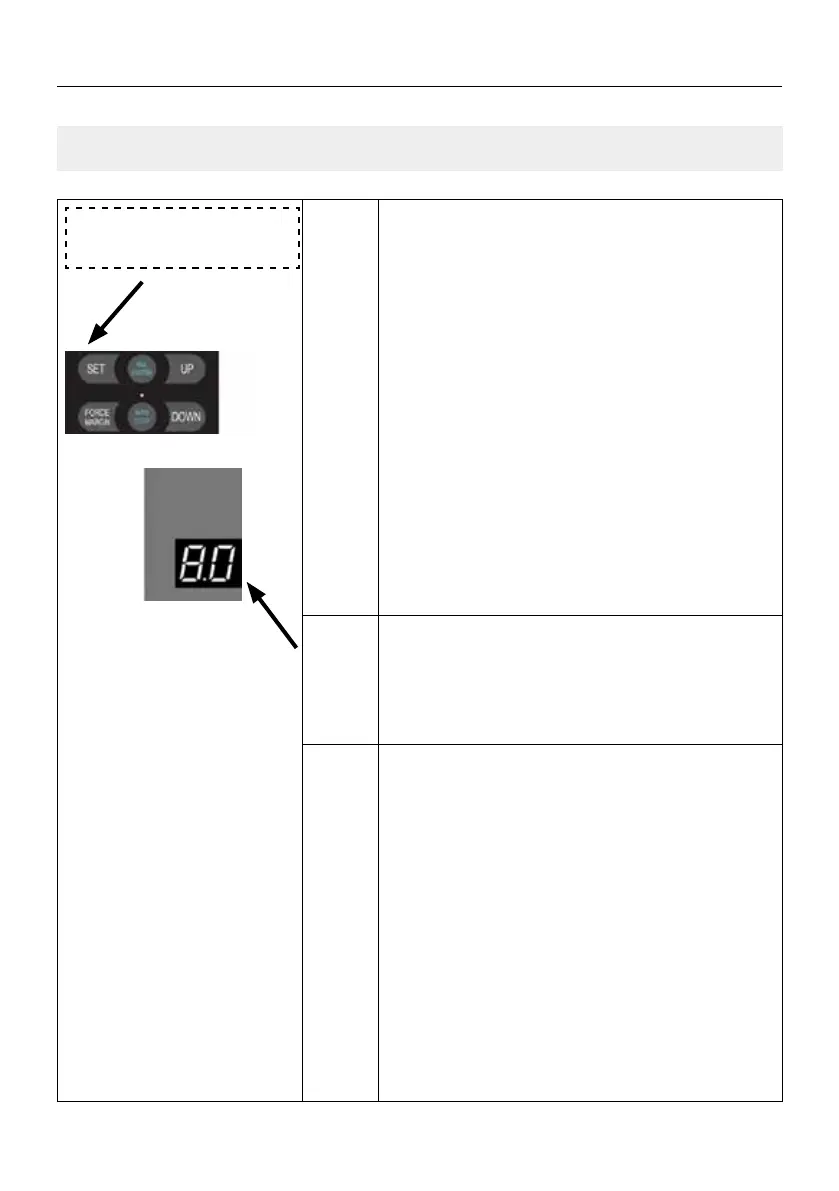
Press and hold SET button for about 6 seconds
to enter main menu until “0.-” appears on the
display then release the button.
Press UP till “8.-” appears on the display.Press
SET then “8.0” appears on the display.
Press SET to enter the Maintenance alarm cycle-
-counting setting.
.0 .0 Indicates that the maintenance alarm func-
tion is closed (factory default).
Press SET to enter the function menu, digital
displays
.0 (factory default).
Adjust the stalls from
.1 to .8 then .F
by buttons UP/DOWN.
500 cycles per stall. Cycles-calculation
method is 500*N, N=01—15. A=10; F=15
E.g.
.1 means 1x500=500 cycles,
.2 means 2x500=1000 cycles,
.A means 10x500=5000 cycles,
.F means 15x500=7500 cycles.
SETTINGS OF FUNCTION PARAMETERS IN MENU



 To Next Page