2. Use the [+] or [–] buttons to choose one of the following options:
n ‘030’ (automatic shuto after 30 minutes)
n ‘060’
(automatic shuto after 60 minutes)
n ‘OFF’ (automatic shuto deactivated).
If you press the [+] and [–] buttons simultaneously, the default setting (auto‐
matic shuto after 30 minutes) is selected.
8.5 Mixer menu
This menu is used to adjust the volume of the various style elements.
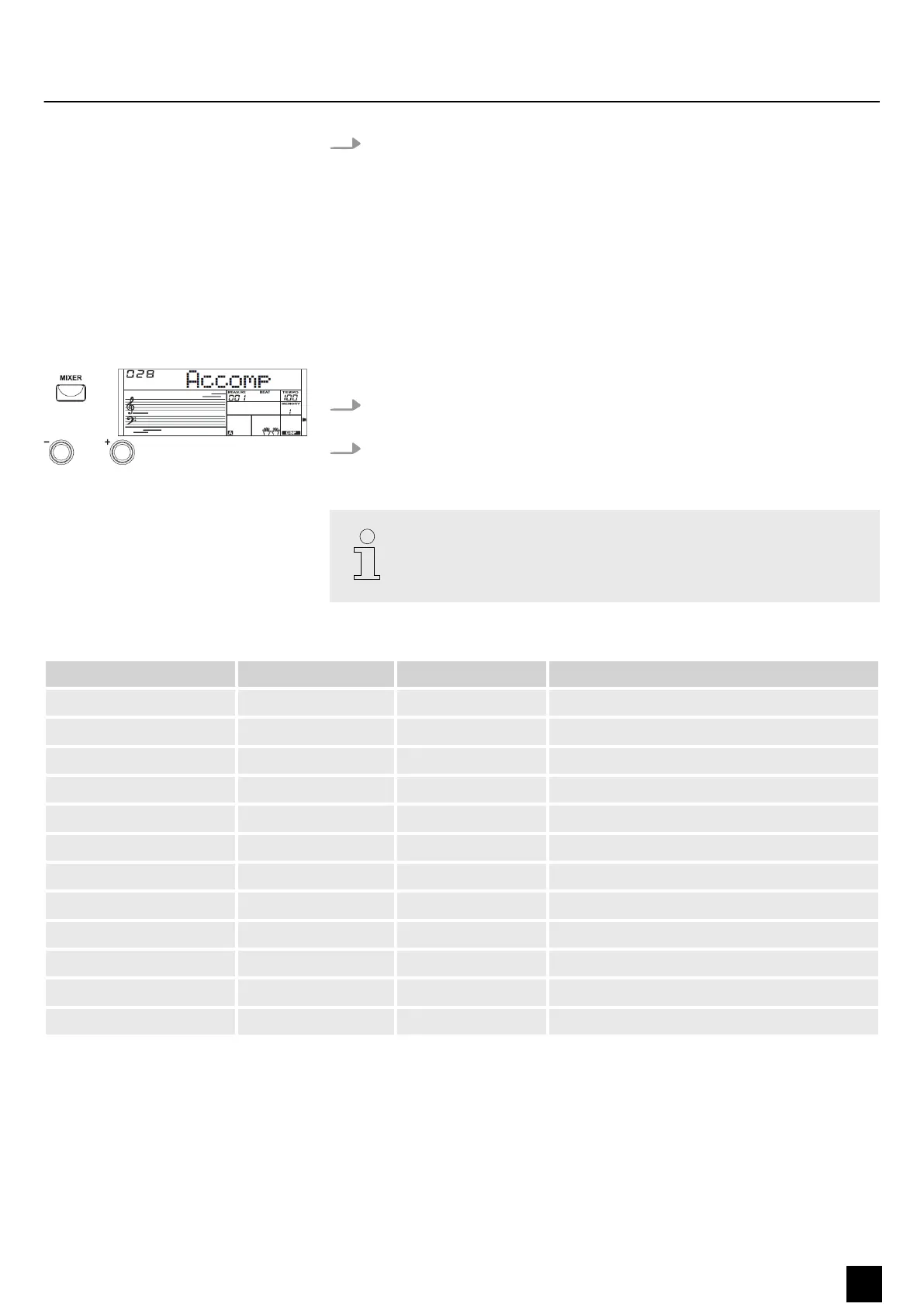
1. Press the [MIXER] button to enter the mixer menu. By default, the ‘Accomp’
option appears when you open this menu.
2. Press the [MIXER] button repeatedly to select the desired option. Then you can
adjust the selected parameter using the [ +] or [–] buttons.
If you don't press a key within ve seconds after entering the mixer menu,
the menu is automatically closed.
Tab. 1: Adjustable options and parameters
Option LC display Control range Description
Accompaniment Volume ‘XXX Accomp’ 000 to 032 Accompaniment volume
Rhythm_s Volume ‘XXX Rhythm_s’ 000 to 032 Percussion instrument 1
Rhythm_m Volume ‘XXX Rhythm_m’ 000 to 032 Percussion instrument 2
Bass Volume ‘XXX Bass’ 000 to 032 Bass
Chord 1 volume ‘XXX Chord1’ 000 to 032 Polyphonic melody 1
Chord 2 volume ‘XXX Chord2’ 000 to 032 Polyphonic melody 2
Chord 3 volume ‘XXX Chord3’ 000 to 032 Polyphonic melody 3
Phrase 1 Volume ‘XXX Phrase1’ 000 to 032 Intermezzo1
Phrase 2 Volume ‘XXX Phrase2’ 000 to 032 Intermezzo 2
Voice R1 Volume ‘XXX Voice R1’ 000 to 032 Right hand voice
Voice R2 Volume ‘XXX Voice R2 ’ 000 to 032 Second right hand voice in dual mode
Voice L Volume ‘XXX Voice L’ 000 to 032 Left hand voice
Functions
MK-300
27
Keyboard


 To Next Page