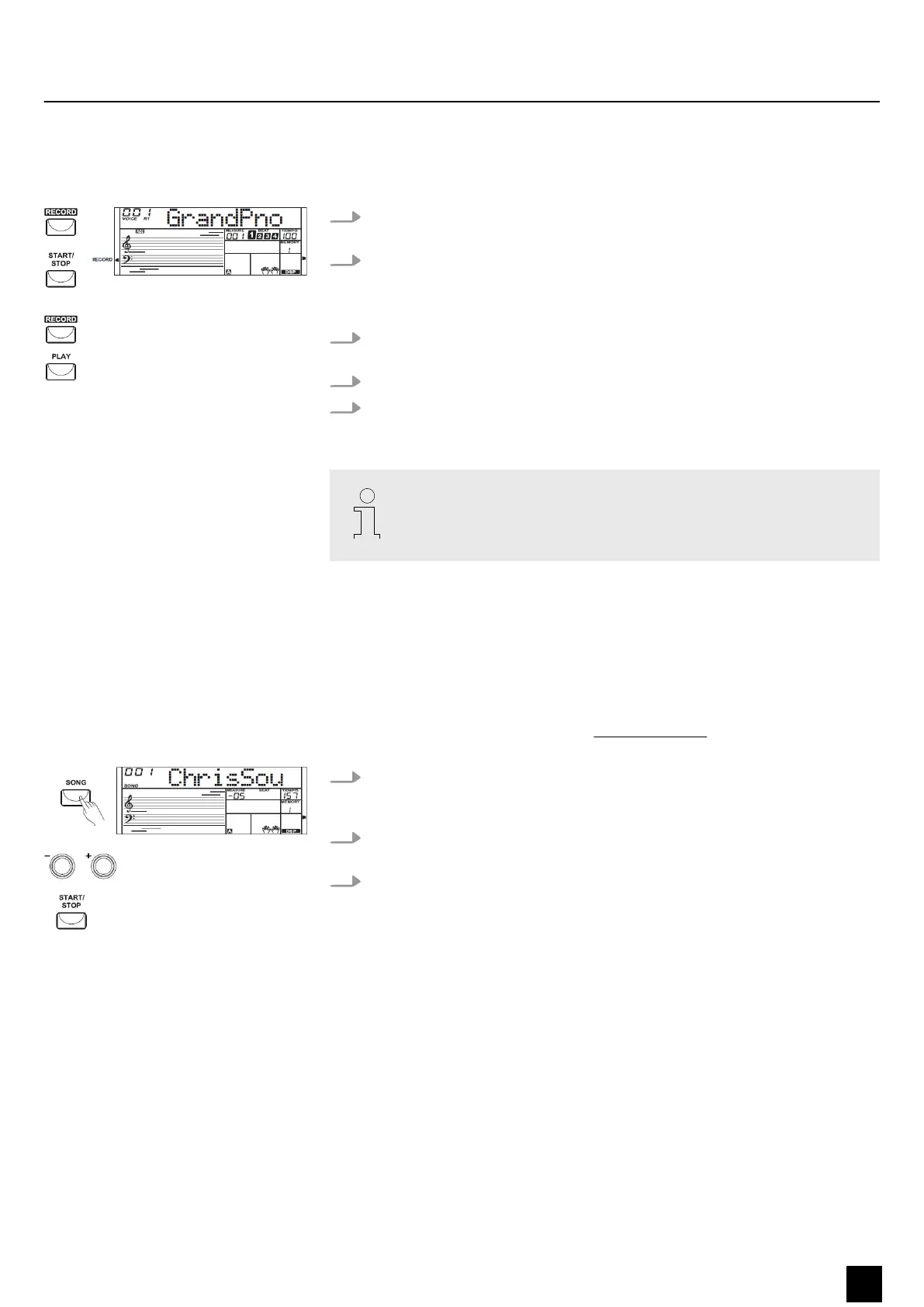
8.8 Recording
The keyboard lets you record your playing together with the accompaniment.
1. Press the [RECORD] button. The record symbol left of the display lights up and
the beats ash in time.
2. Play the notes you want to record or press the [START/STOP] button to start
recording. If you want to record your playing with style accompaniment, turn
on the auto accompaniment and play the chords with your left hand on the
keyboard.
3. Press the [RECORD] button again to stop the recording. The record symbol
goes out.
4. Press the [PLAY] button to play back the recording.
5. Press the [PLAY] button again to stop the playback. If you press the [PLAY]
button while recording, the recording is stopped and played back.
When you turn o the keyboard the recorded data are lost.
8.9 Practise songs
8.9.1 Selecting, playing and stopping practise songs
The keyboard oers 110 practise songs in total. The song list is available for down‐
load on the product page of our website www.thomann.de. Each song can be prac‐
tised in learning mode.
1. Press the [SONG] button to enter playback mode for practise songs. All practise
songs are played in an endless loop. The display shows ‘SONG’ and the
number of the currently playing song.
2. In ‘SONG’ mode, use the number buttons or the [+] and [–], [START/STOP] but‐
tons to select a practise song.
3. When you press the [START/STOP] button this song is repeated in an endless
loop until you press the [START/STOP] button again. This will not exit the mode
for practise song playback.
8.10 Learning mode
When practising, it is mainly important to play the right notes at the right time. In
this mode you can check your progress. There are three training stages.
Functions
MK-300
29
Keyboard


 To Next Page