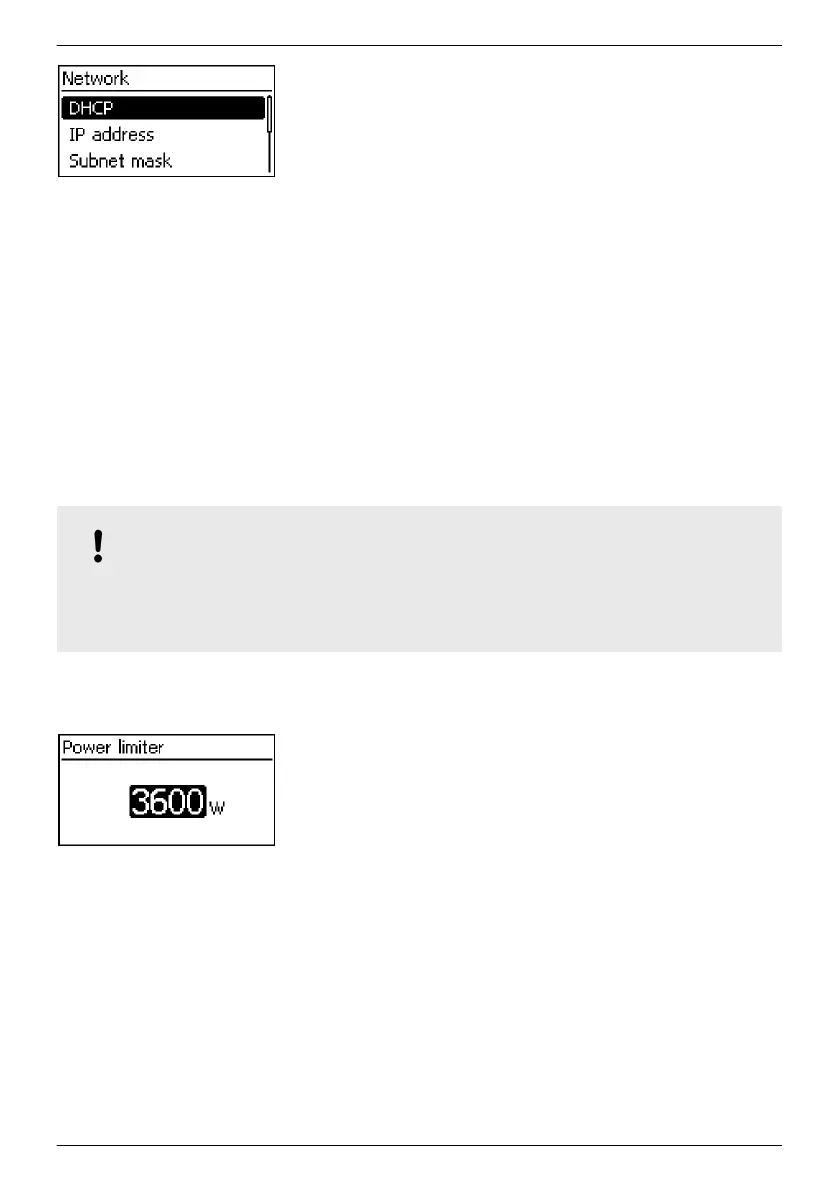
Network settings, required for network communication, e. g. with
an Internet portal:
n DHCP: Switch DHCP on/off
n IP address: IP address of the inverter
n Subnet mask: Subnet mask of the inverter
n Gateway: IP address of the network gateway
n DNS address: IP address of the DNS server
n Web portal: Settings at the web portal
– Web portal setting: Disabling of data transmission
and selection of a web portal
– Re-transmission: Data in the inverter is transmitted a
second time
– Connection check: Checks the internet connection and
indicates the result
3.3.4 Service menu
The service menu items are described below. Some items are password protected; see Fig. 5.1
(menu structure)
You can obtain the password from technical support; see
Ä
p. 84.
NOTICE!
Risk of reduced yields. In the service menu, inverter and grid parameters can be changed. The
service menu must only be operated by a specialist, who ensures that the change does not
violate applicable regulations and standards!
Power limiting
The inverter output power can be manually limited to a minimum of
500 W. When the power is manually limited, the Derating symbol is
shown in the status display and the ‘Derating’ / ‘Cause: User
default’
measurement is displayed.
EN
747,431 | Z09 | 2015-09-30
22










 To Next Page