n If the Countries table does not list your country, select a country with stricter specifications.
n The country setting does not affect the language used on the display. The display language is
set separately.
4.7.2
Operation
Starting initial commissioning
✔
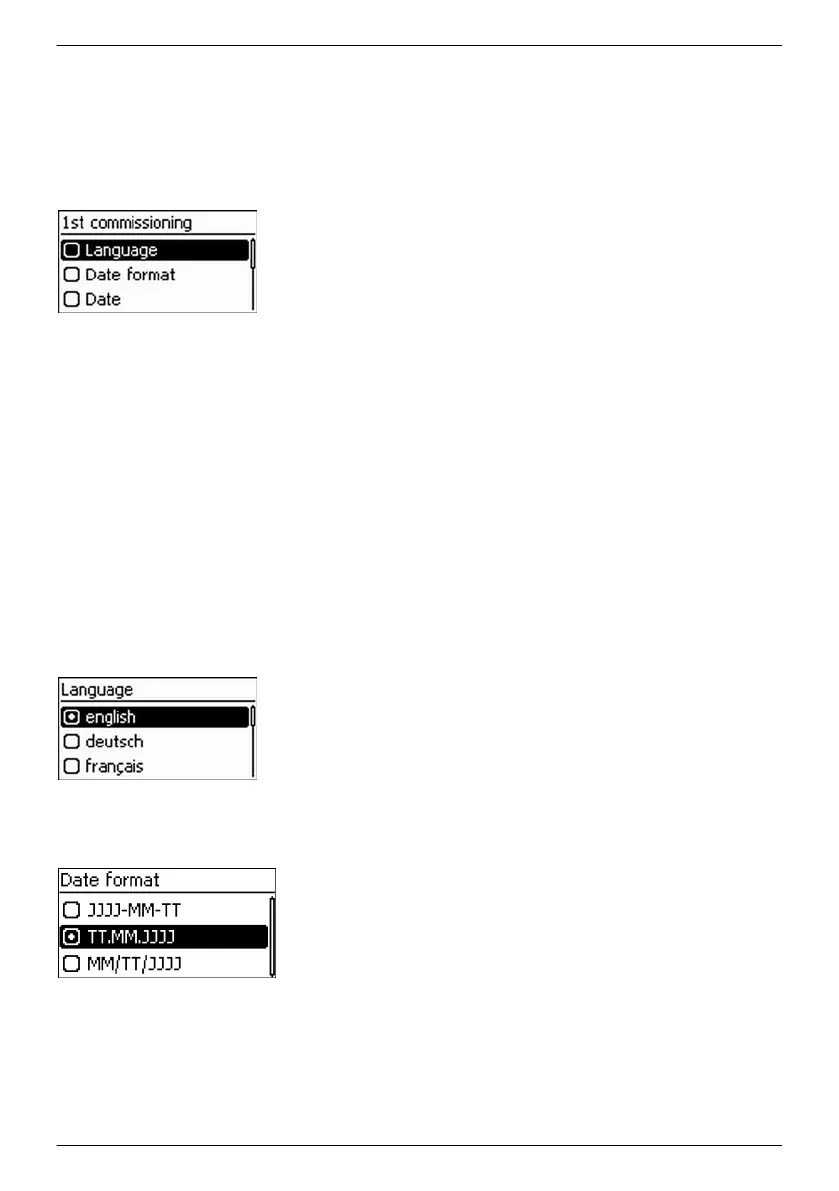
The check list for initial commissioning is displayed:
n The default display language is English.
n The Language entry is selected.
n The check boxes are not selected.
———————————————————————————
NOTICES
n When a check list item is called up the corresponding
check box is automatically selected.
n Initial commissioning is completed by calling up the
Finish item.
n Finish can only be performed when all other
check
boxes are selected.
———————————————————————————
1.
Press rs to select a check list item.
2. Press SET to call up the item.
The items are described in detail below.
Language
1.
Press rs to select a display language.
2. Press SET. The language is adopted.
3. Press ESC. The check list is shown.
Date format
1.
Press rs to select a date format.
2. Press SET. The date format is adopted.
3. Press ESC. The check list is shown.
EN
747,431 | Z09 | 2015-09-30
41










 To Next Page