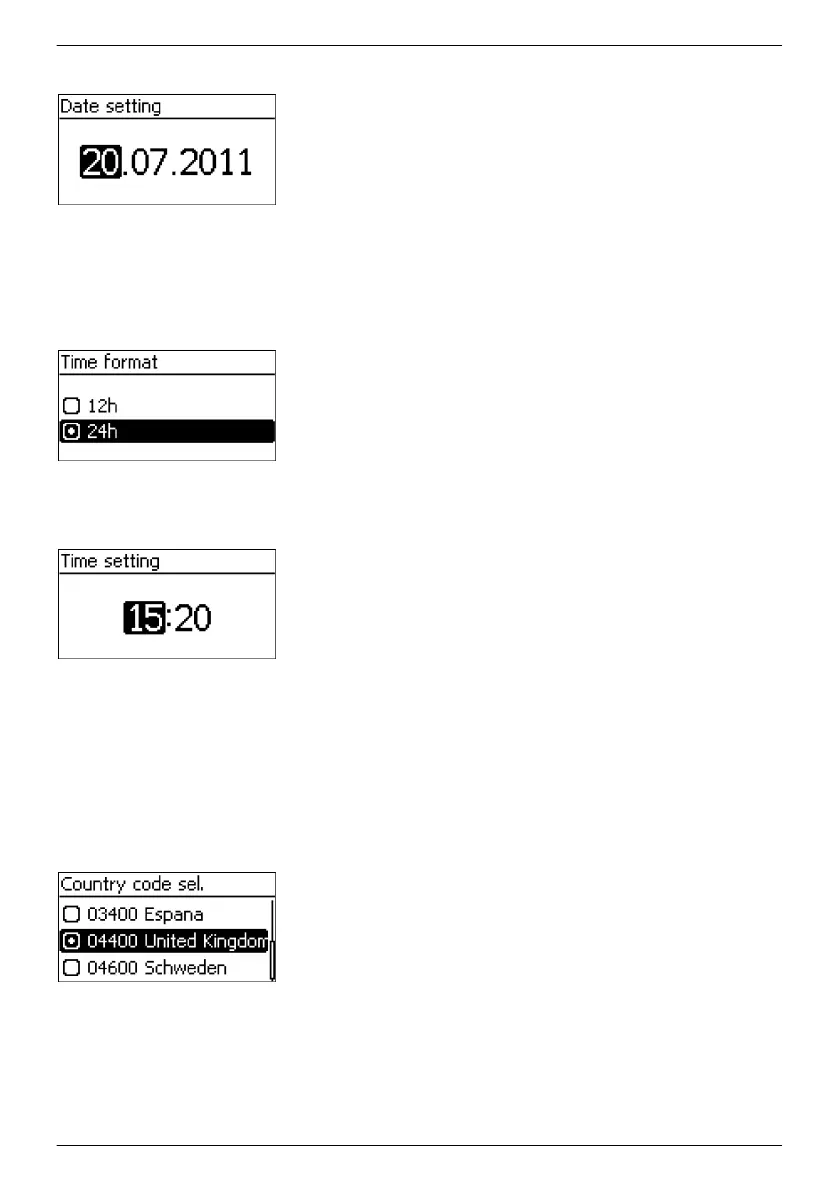
Date
1. Press SET. The day flashes.
2.
Press rs to change the day.
3. Press SET. The change is adopted.
4.
Press s. The month is selected.
5. Repeat steps 1 to 3 for the month.
6.
Press s. The year is selected.
7. Repeat steps 1 to 3 for the year.
8. Press ESC. The check list is shown.
Time format
1.
Press rs to select a time format.
2. Press SET. The time format is adopted.
3. Press ESC. The check list is shown.
Time
1. Press SET. The hours display flashes.
2.
Press rs to change the hour.
3. Press SET. The change is adopted.
4.
Press s. The minutes are selected.
5. Repeat steps 1 to 3 for the minutes.
6. Press ESC. The check list is shown.
Country selection
———————————————————————————
NOTICE
The country can only be set once!
———————————————————————————
1.
Press rs to select a country.
2. Press SET.
EN
747,431 | Z09 | 2015-09-30
42










 To Next Page