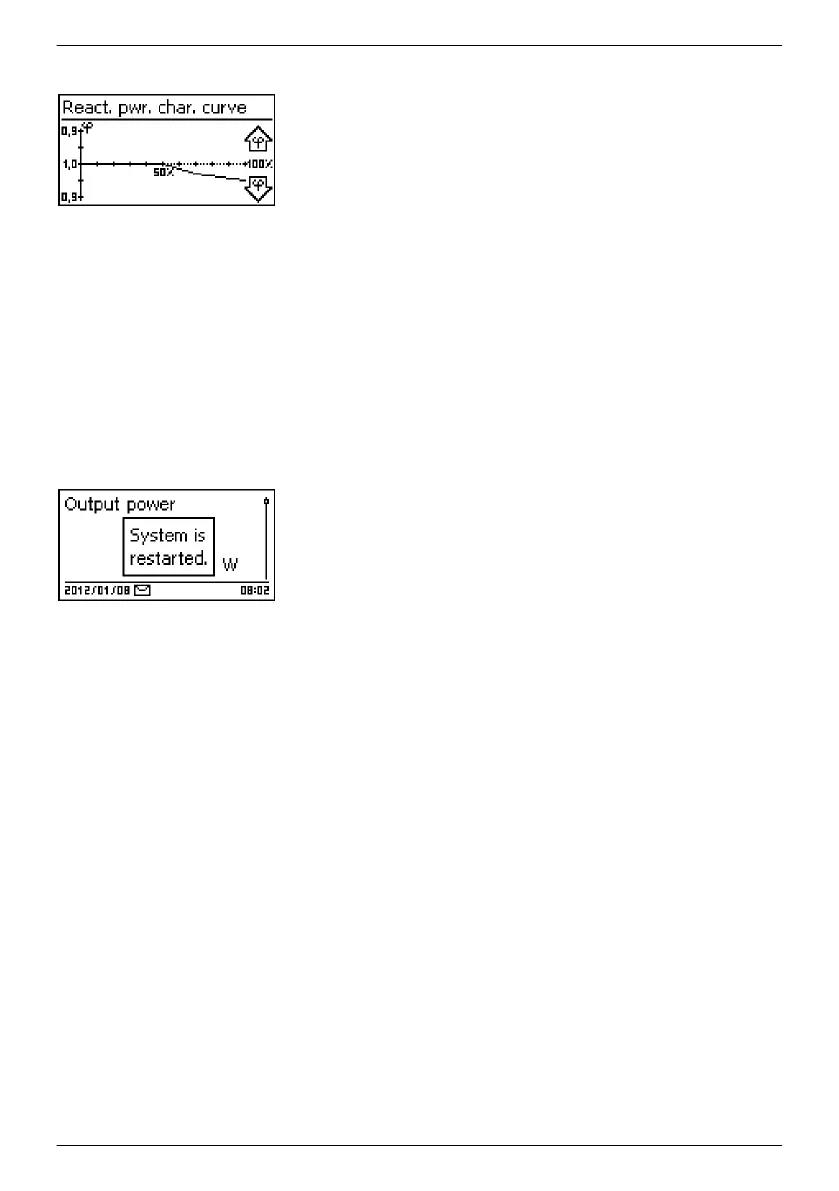
Display characteristic curve
1. The previously set reactive power characteristic curve is
displayed graphically (example in Fig. left).
2. Press ESC. The check list is shown.
Finish
✔
Finish has been selected in the check list and SET has been
pressed. One of 2 possible dialogues is displayed.
1. Proceed as follows, depending on the respective dialogue:
n Dialogue Settings are incomplete: Press SET and
and work through the open items in the check list.
n Dialogue Are all settings correct?:
Press ESC to correct settings or
Press and hold SET (> 1 s) to finish initial
commissioning.
2. If SET
was pressed for a longer time then the inverter starts
anew and synchronises itself with the grid (Fig. left).
EN
747,431 | Z09 | 2015-09-30
46










 To Next Page