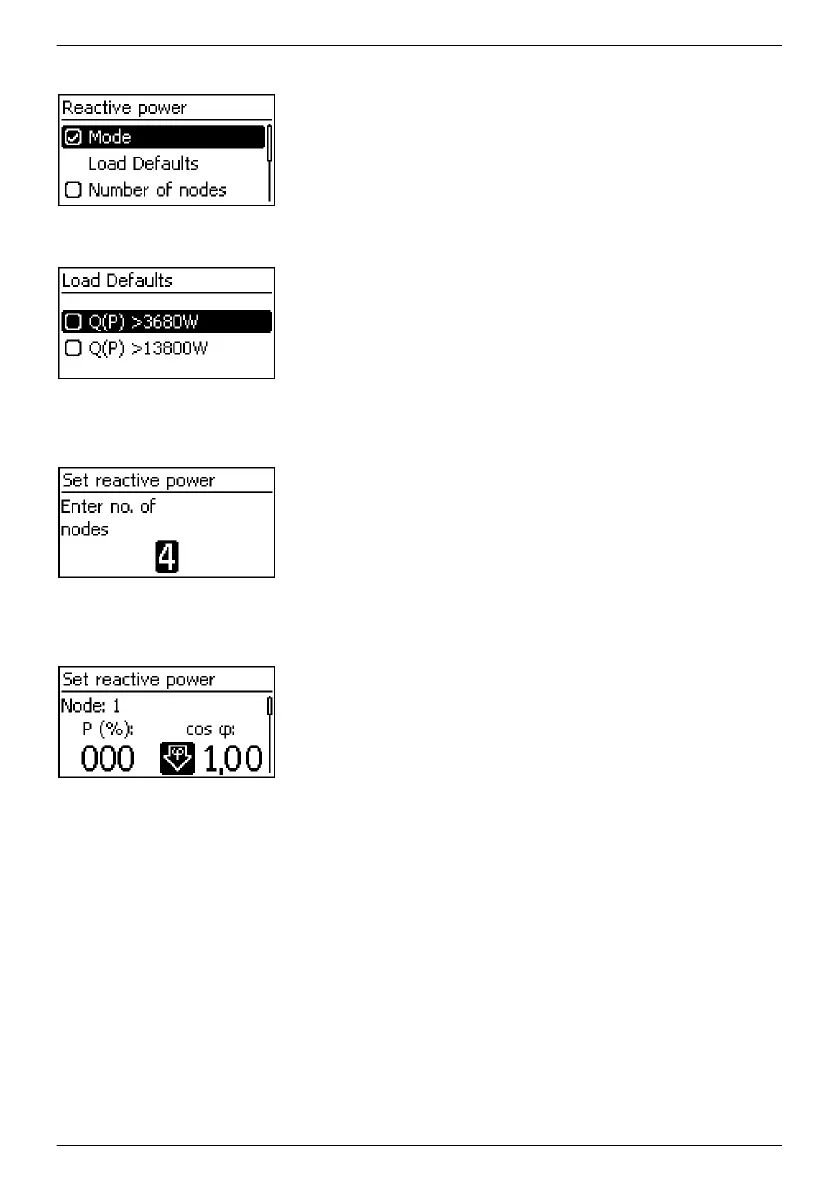
Load samples
———————————————————————————
NOTE
If cosPhi = 1 was not selected, an additional menu item "Load
samples" is indicated.
———————————————————————————
1.
Press s to select "Load samples".
2. Press SET.
3.
Press rs to select a default characteristic line.
4. Press SET. The default characteristic line is adopted.
5. Press ESC. The check list is shown.
Number of nodes
1. Press SET. The value flashes.
2.
Press rs to change the number of nodes.
3. Press SET. The value is adopted.
4. Press ESC. The check list is shown.
Node n
1.
Press rs to select a parameter for the node.
———————————————————————————
Notice
P % cannot be changed at the first and last nodes (000 %,
100 %).
———————————————————————————
2. Press SET. The parameter value flashes.
3.
Press rs to change the value.
4. Press SET. The change is adopted.
5. Repeat steps 1 to 4 for the other parameters.
6. Press ESC. The check list is shown.
EN
747,431 | Z09 | 2015-09-30
45










 To Next Page