52
742.221 | 12.04
EN
7.3.4 Other important display fields
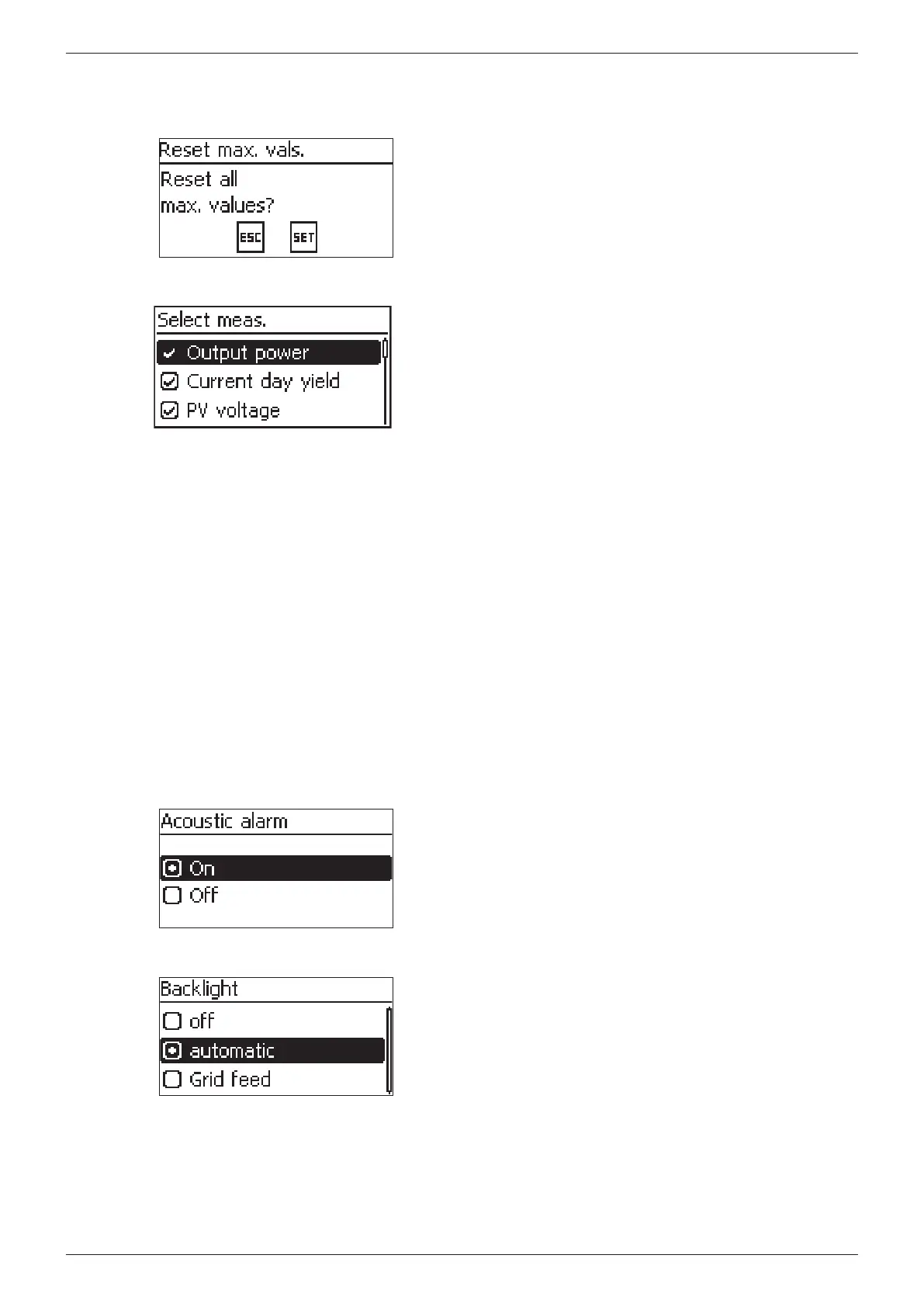
Reset maximum values dialog
The Reset max. vals. dialog allows the following stored maxi-
mum values to be reset to 0:
• Maximum daily power
• Maximum daily yield
• Absolute maximum power
Selection of measurements
Selection of the measurements to be shown in the status
display. The following measurements can be selected:
• Output power: output power of the inverter
1)
• Act. daily yield: daily yield from 0:00 until now.
• PV voltage: the voltage supplied by the solar modules
• PV current: the current supplied by the solar modules
• Grid voltage
1)
• Grid current: the current fed into the mains grid
• Grid frequency
• Internal temp.: the internal temperature of the inverter
• Power reduction (Derating): cause of the power reduc-
tion
• Day max. power: the maximum power supplied in the
current day
2)
• Abs. max. power: the maximum power ever fed into the
grid
2)
• Max. day yield: the maximum daily yield achieved
2)
• Operating hours: the operating hours during which the
device has been connected to the grid (including night-
time hours).
• Total yield: yield since commissioning
• CO
2
saving: CO
2
savings achieved since commissioning
1)
Measurement is always displayed (cannot be switched off)
2)
Can be reset to 0 via Settings/Reset
max. values
.
Acoustic alarm
The acoustic alarm is an audio signal of approx. 4.5 kHz.
• 2 tones Warning
• 3 tones Error
Backlight
• off
• automatic: switches on for 30 seconds when a button is
pushed
• Grid feed:
– Not feeding: switches on for 30 seconds when a but-
ton is pushed then switches off
– Feeding: switches on for 30 seconds when a button is
pushed then dims








 To Next Page