71
742.221 | 12.04
EN
When the self test has finished, proceed as follows:
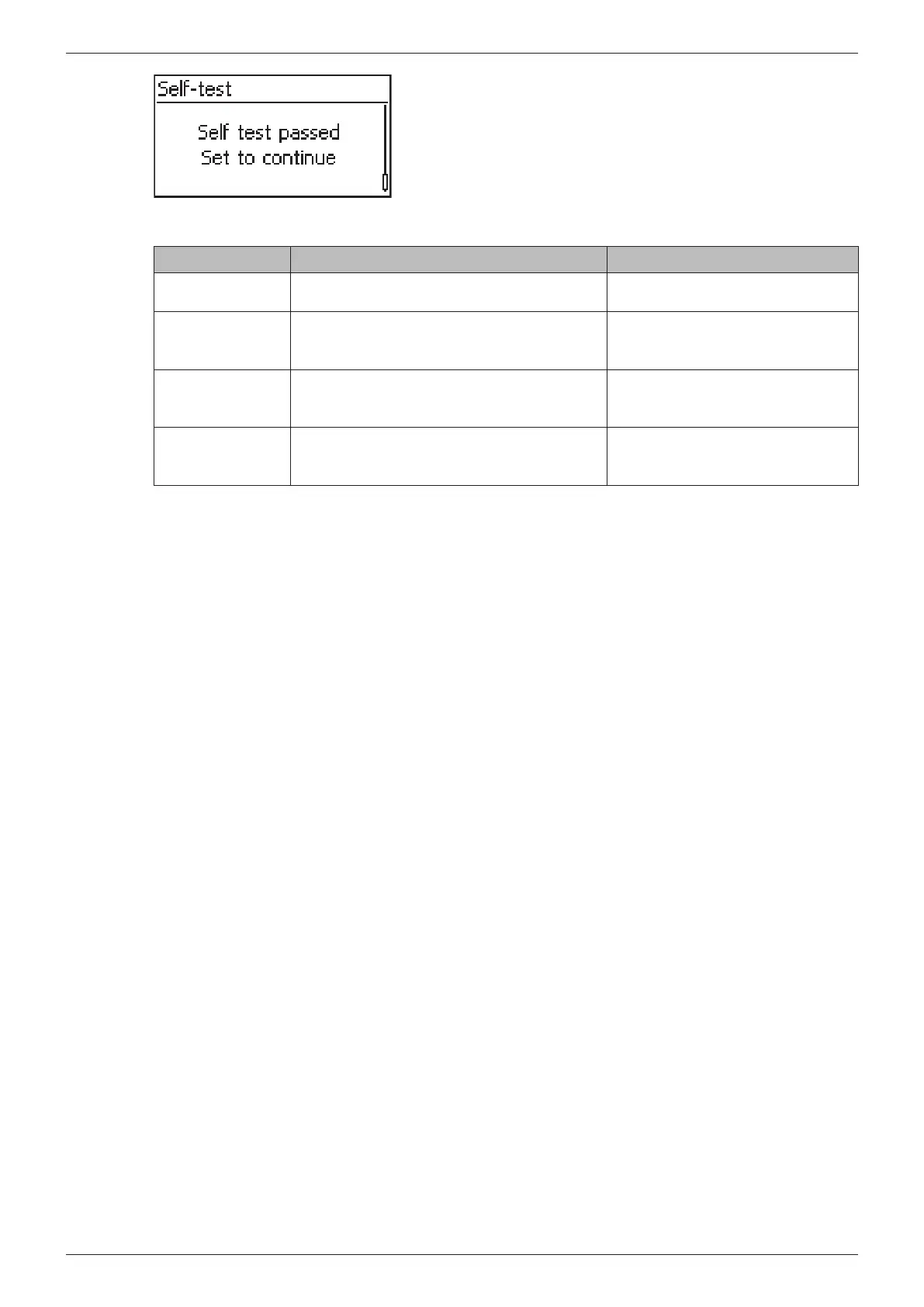
7. Press several times until the status message Self
test passed is displayed (Fig. left).
8. Press SET to confirm the result of the self test. The sta-
tus display appears.
Status message Description Remedy
An error was
detected
An internal error prevented the self test
from starting.
Contact your installer if this error
occurs frequently.
Not enough
sunlight
The self test was not started or was can-
celled due to insufficient sunlight, especially
in the evening/at night.
Repeat the self test during the day
when the inverter is feeding the
grid.
Invalid grid
conditions
The self test was cancelled due to invalid
grid conditions, e.g. due to insufficient AC
voltage.
Repeat the self test later.
MSD not ready The self test was not started because the
inverter was not ready for operation.
Repeat the self test a few minutes
later when the inverter is ready for
operation and is feeding.
Tab. 9: Status messages of errors that prevent the self test from running








 To Next Page