8
Initial Machine Power Up
5. Turn on the Incubator using the power switch located on the back panel next to the power connector.
STERIS Corporation
Model 2.1.0
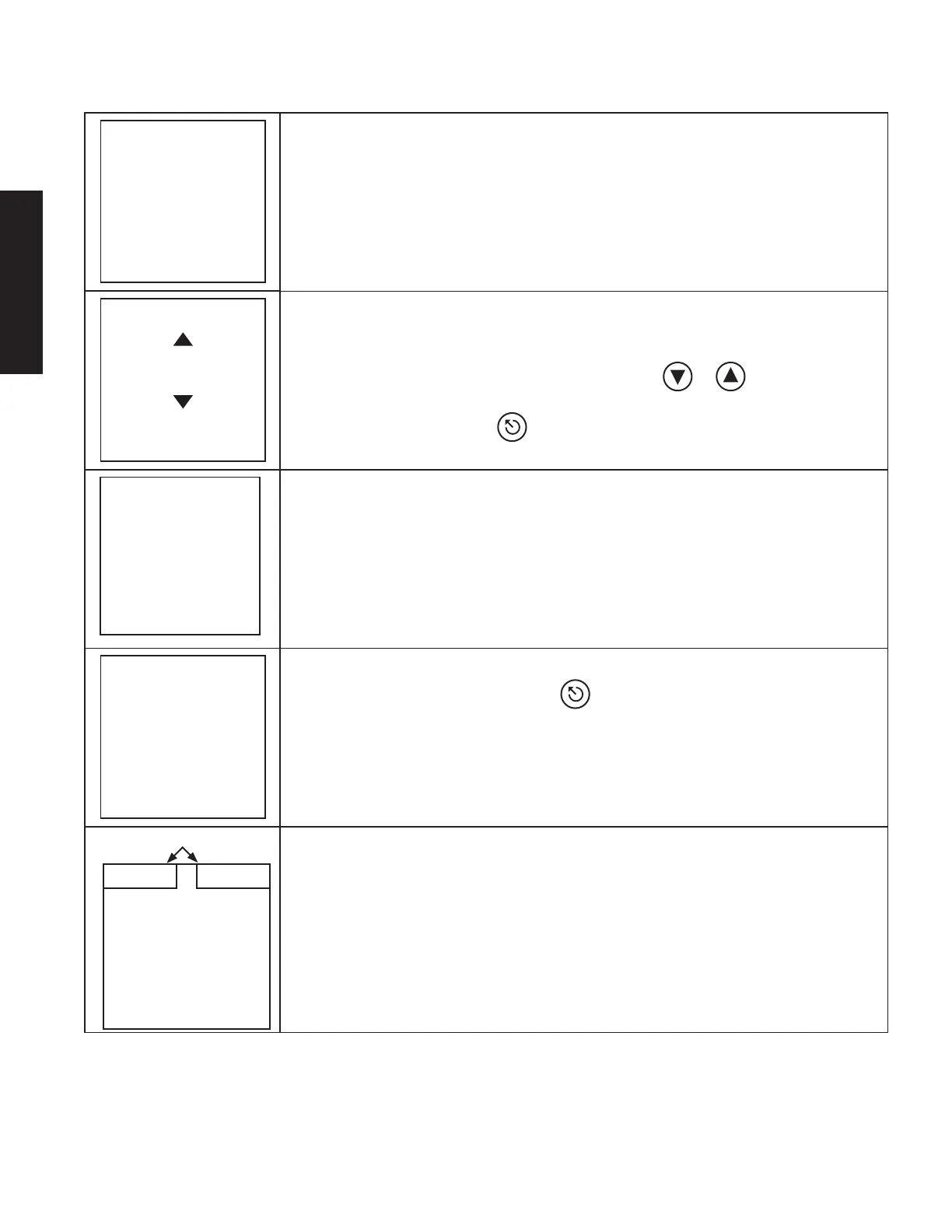
6. A screen similar to the one on the left will appear on the display.
Language Selection
English
Portuguese
French
Press ENTER
to Select
7. The screen to the left will automatically appear to enable the selection of the
appropriate language. This will only occur at initial set up.
8. Highlight the preferred language by pressing the or navigation buttons
on the front face of the Incubator.
9. Press the ENTER button to select the language.
Open lids
Remove all BIs
Close lids
Press ENTER
to continue
10. The screen to the left will then display on the LCD screen. NOTE: Ensure no BIs
are left in the wells prior to starting the Diagnostic Testing.
Diagnostic Testing
in Progress
11. After pressing the ENTER button, a diagnostic test will automatically start.
While the Incubator is performing the diagnostics, the screen to the left will display
on the LCD screen. At the successful conclusion of the diagnostic test, the LCD
will confi rm that diagnostic testing has been completed. If the diagnostic test
fails, clear the error, and restart the Diagnostic Testing. See Troubleshooting
section for guidance.
Actual Temperatures of Well
Heating Up
15:00
22 C23 C
12. The Incubator will then automatically begin heating the wells to the previouslyset
temperatures. The LCD screen will display the actual temperatures for each set
of wells (upper left and right corners) along with a 15 minute timer. Once the
well temperatures have been reached, the incubator will perform a self-check
to ensure no BIs were left in the wells.
ENGLISH










 To Next Page