13
6. Place the BI with the thermocouple wire in it into the Incubator and close the incubator lid.
NOTE: The lid to the Incubator needs to be kept closed. The lid sensor will alarm if the lid is left open for more than
30 seconds.
7. The incubator will begin reading the BI. Alternately, press the corresponding well number to start the reading.
8. Allow the BI to equilibrate for a minimum of 10 minutes.
9. Verify the temperature reading on the thermocouple thermometer. If the temperature falls out of range for
incubation, contact STERIS Corporation or any authorized dealer. Do not use failing wells. The other panel of
wells may still be operational.
10. If the recorded temperature is within the rage for incubation, abort the reading by pressing the well number.
Dispose of the BI as per BI instructions.
Troubleshooting Guide
1
2
3 ERR
4
5
6
7
8
BI prematurely
removed from well 3
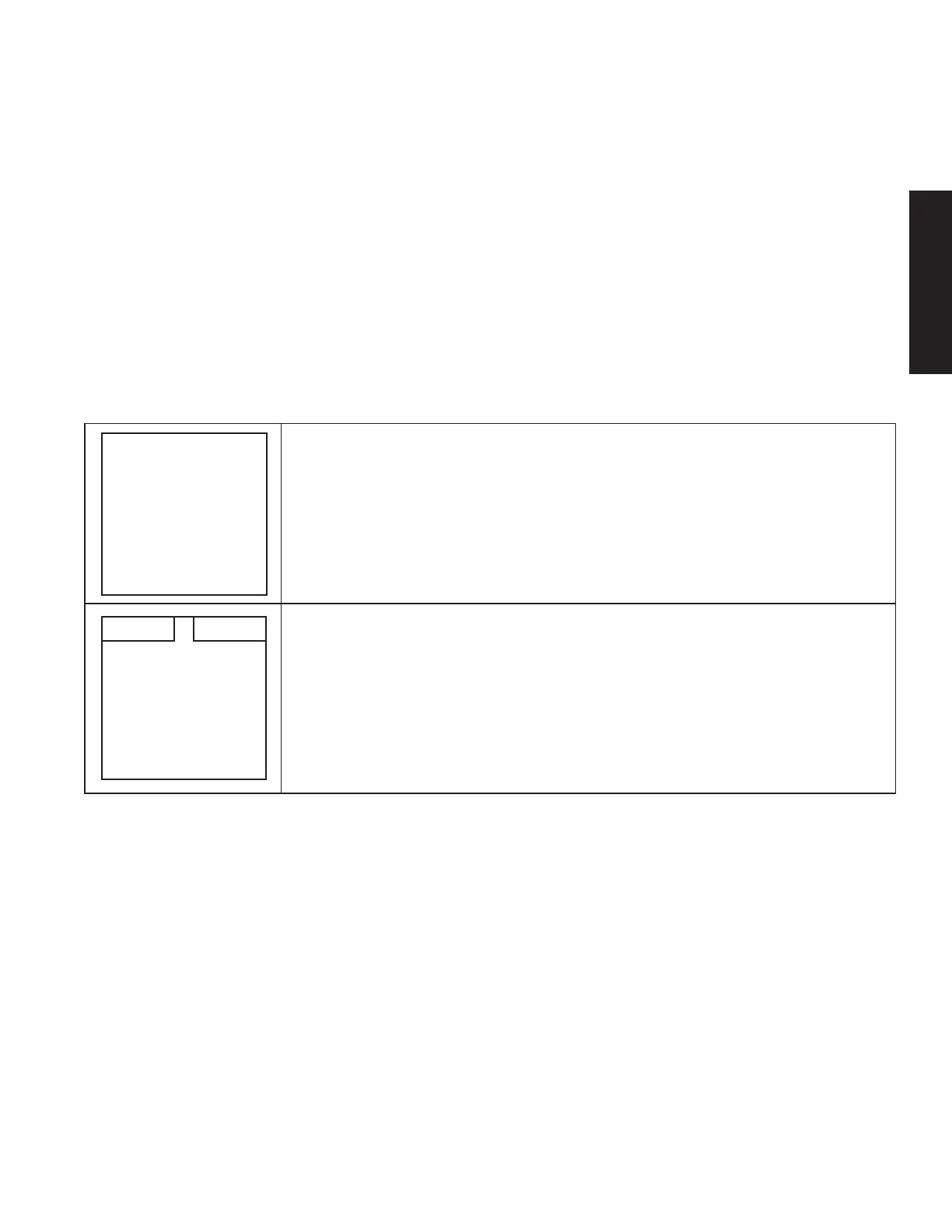
1. In the case of a temporary user error, the Incubator will sound an alarm (one beep
every five minutes) and the LED adjacent to the well will flash a yellow/amber light.
The LCD screen will display an error message at the top the screen and an “ERR“
next to the well number. The operator must take corrective action based on error
presented, then press the corresponding well number button to acknowledge the
alert and silence the alarm.
See Troubleshooting Guide on the next page for sample error messages.
1
2
3
4
5
6
7
OFF 8
57 C57 C
2. In the case of a permanent error, the Incubator will sound an alarm (one beep every
five minutes) and the LED adjacent to the well will turn to a solid yellow/amber
light. The LCD screen will display an “OFF“ next to the well number and may also
display an error message at the top the screen. These are permanent errors that
require the user to contact STERIS Corporation or an authorized dealer. Do not
use the aected wells. The operator must press the corresponding well number
button to acknowledge the alert and silence the alarm.
See Troubleshooting Guide on the next page for sample error messages.
ENGLISH




 To Next Page