14
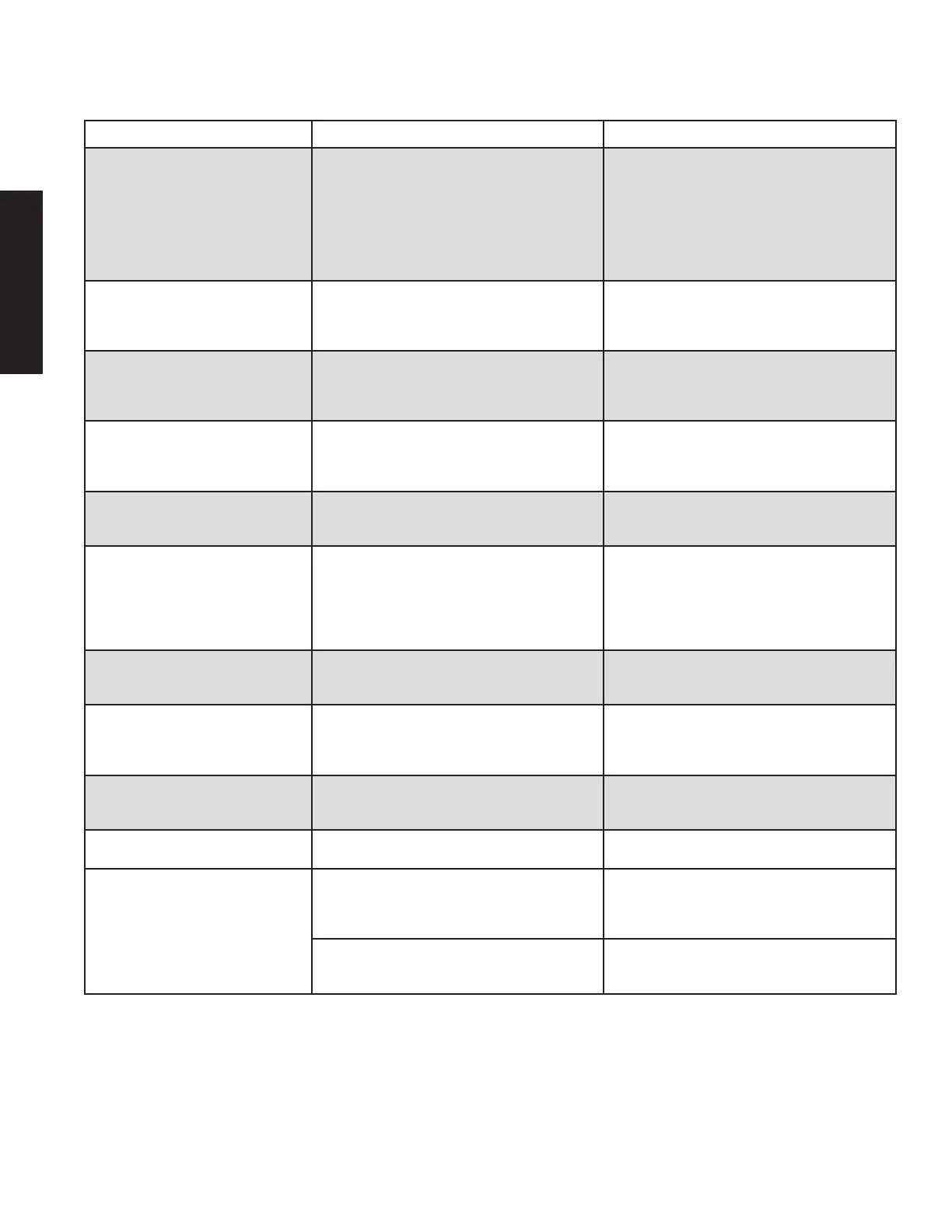
ERROR MESSAGE DESCRIPTION RECOMMENDED ACTION
BI in well X is not activated. Activate,
insert BI
The corresponding well number was pressed
but either there was no BI placed into the well or
the BI was not activated.
Verify that a BI is in the well and that it is
activated. Press ENTER to acknowledge the
message, then press the corresponding well
number to clear the error.
If this error continues to occur following
verification that a BI is present and activated,
contact STERIS Corporation or an authorized
dealer.
Temperature Failure in wells X-Y
The temperature fell out of range (55°C- 60°C)
for incubation.
Contact STERIS Corporation or an authorized
dealer.
Do not use failing wells. The other panel of wells
may still be operational.
BI prematurely removed from well X
The BI was removed from the well before the
incubation period was over.
Discard sample as per BI instructions. Press
ENTER to acknowledge the message, then press
the corresponding well number to clear the
error.
Instrument Failure Memory fault
Contact STERIS Corporation or an authorized
dealer.
The Incubator is unusable until serviced. Discard
aected sample(s).
Lid A/B open too long The lid was opened for more than 2 minutes.
Discard aected samples. Press ENTER
to continue. Dispose of sample as per BI
instructions.
Lid A/B sensor failure There is a lid sensor failure.
If the message was generated during startup
diagnostics, clear fault; rerun Diagnostic Test. If
fault returns, contact STERIS Corporation or an
authorized dealer. Do not use the aected wells.
If the message was generated by a panel
selection menu, return to the menu.
Lid A/B is open
A well number button was pressed while the
corresponding lid was opened.
Close the lid and press ENTER to acknowledge
the message. Then press the corresponding well
number.
Sample error in well X The initial fluorescence was too high.
Ensure that this BI has not already been
incubated. Press ENTER to acknowledge the
message, then press the corresponding well
number to clear the error.
Error Code 0001 for Well X
Reading variation possibly due to compromised
well
Clean well as per the Operators Manual
Clear fault; Rerun Diagnostic Test. If fault
returns, contact STERIS Corporation.
Error Code 0002 for Well X LED fault
Contact STERIS Corporation or an authorized
dealer.
Error Code 0004 for Well X
Unit held outside of specified environmental
conditions
Place unit in location within specified
environmental conditions: 60-75°F/ 30-70% RH
Clear fault; Rerun Diagnostic Test. If fault
returns, contact STERIS Corporation.
Spill in Well
Clean well as per the Operators Manual
Clear fault; Rerun Diagnostic Test. If fault
returns, contact STERIS Corporation.
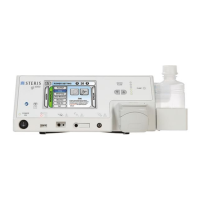
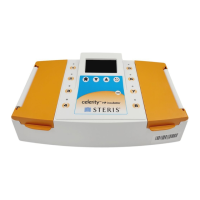
In the table below, A/B reference the left and right lids of the incubator and X/Y reference well numbers 1 through 8
(see next page for visual reference)
.
ENGLISH










 To Next Page