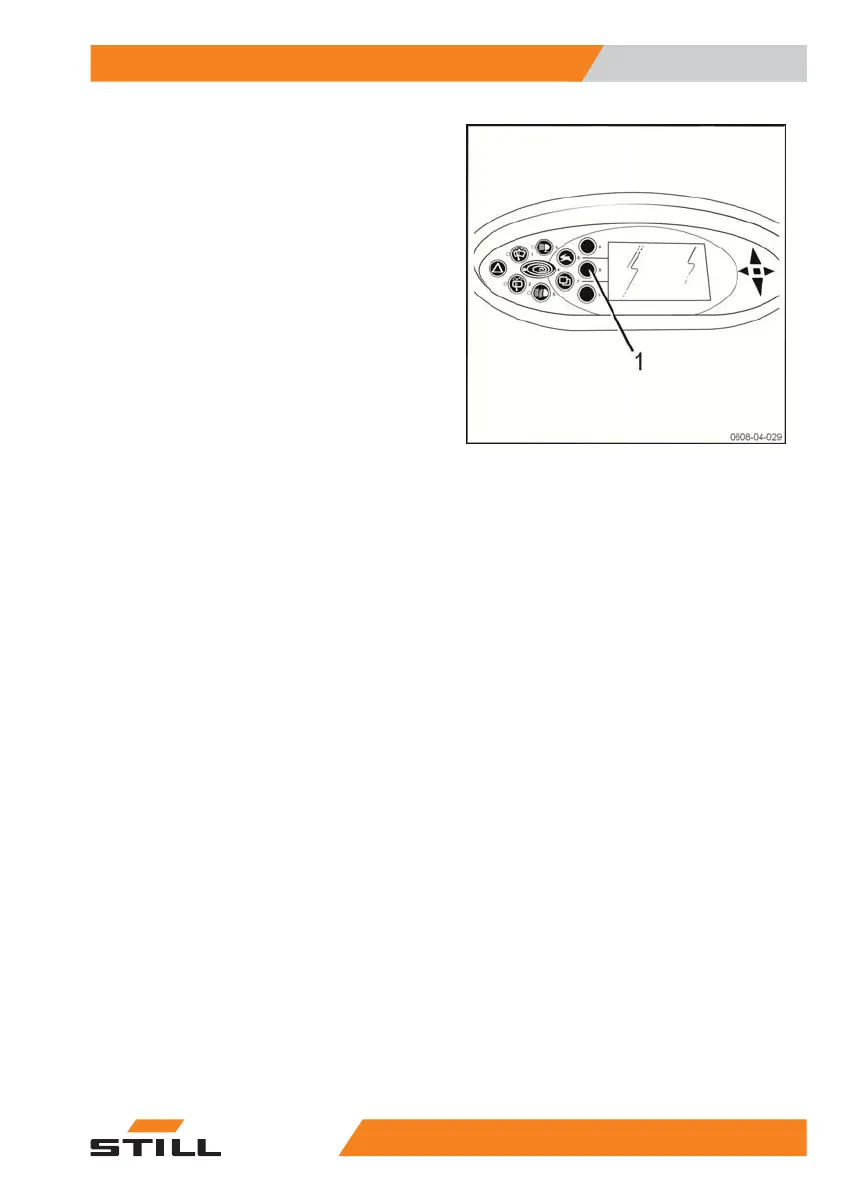
Using the rotating beacon (optional)
The truck may be equipped with a rotating
beacon depending on the customer's choice.
– Press the rotating beacon button (1) once.
The rotating beacon is switched on.
– Press the rotating beacon button (1) again.
The rotating beacon is switched off.
Use
4
Lighting
711191 801 15 51 EN - 02/2021 - 10



 To Next Page