4
Electrical installation
ID 441896.05
WE KEEP THINGS MOVING
Operation manual
16
4.2 Connection Cable
Ethernet patch or crossover cables in CAT5e quality can be used as the
connection cables. Lengths of 0.2 to 100 m are permitted for an EtherCAT
network.
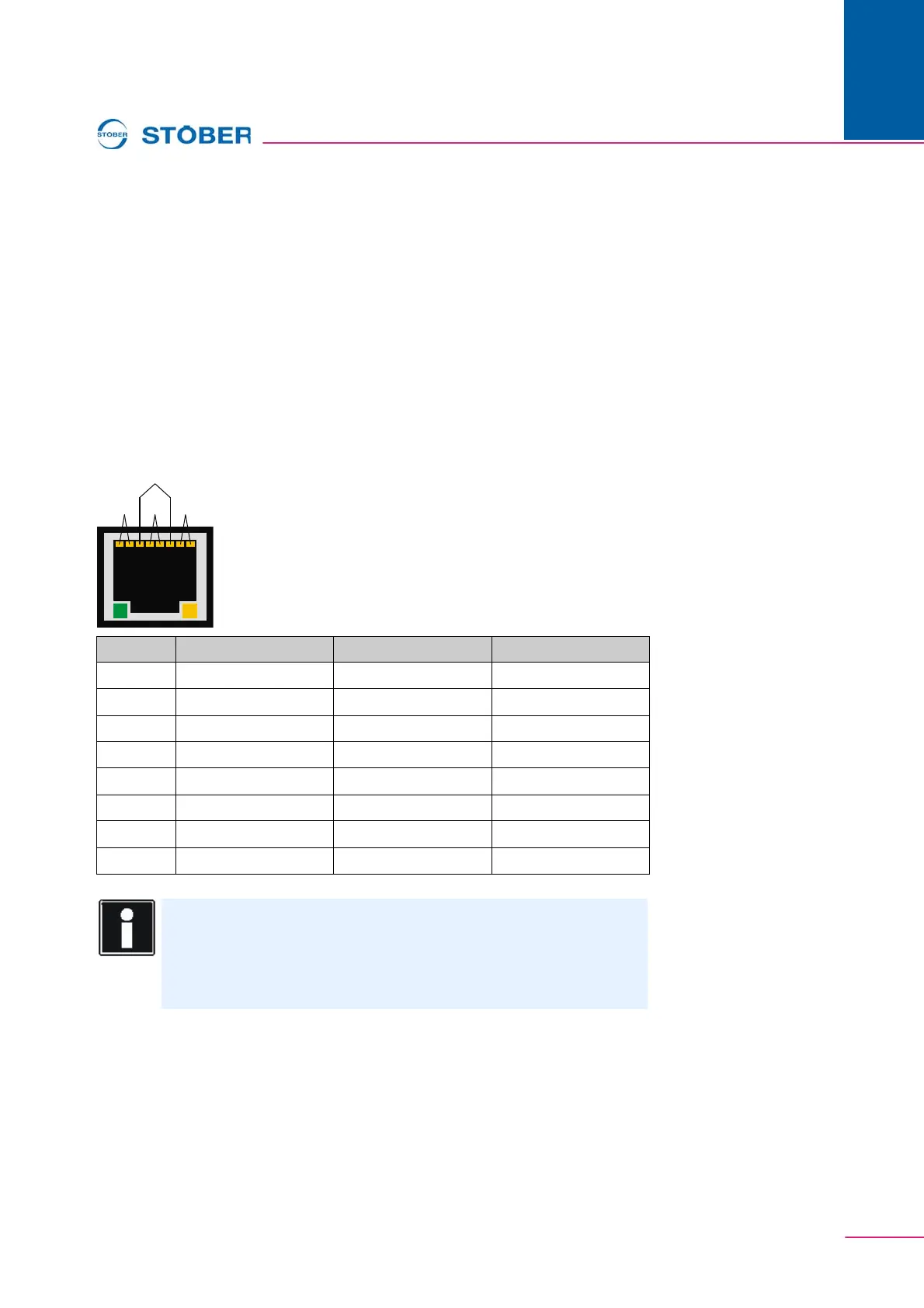
RJ-45 socket
If you want to make the cables yourself, be sure to select suitable crimp tools and
use great care. Afterwards check the quality with a cable tester to avoid
transmission problems.
The individual contacts of the RJ-45 socket are allocated as per the "T 568-B"
standard as shown in the table below.
Pin Color Cable Core Pair Function
1 white/orange 2 TxData +
2 orange 2 TxData -
3 white/green 3 RecvData +
4 blue 1 Unused
5 white/blue 1 Unused
6 green 3 RecvData -
7 white/brown 4 Unused
8 brown 4 Unused
Information
Since a very large selection of inexpensive Ethernet cables is available
in various lengths, it is easier and quicker to buy Ethernet cables
instead of making them yourself. If you do purchase Ethernet cables,
make sure that they are of CAT5e quality.



 To Next Page