12
POSITool over EtherCAT
ID 441896.05
WE KEEP THINGS MOVING
Operation manual
82
12.3 Reading and sending data using POSITool over
EtherCAT
12.3.1 Reading inverter data from the EtherCAT® network (reverse
documentation)
Information
Ensure all the requirements in 12.1 are met before you use the
POSITool over EtherCAT function.
Information
The following procedure describes how data can be imported into an
existing project. If you want to import the data into a new project, start
POSITool, on the welcome dialog screen select the Reverse
documentation from connected inverter… button and then click the
EtherCAT button.
Reading inverter data from the EtherCAT network (reverse documentation)
1. On the menu bar click the button or in the project view double-click
Establish connection.
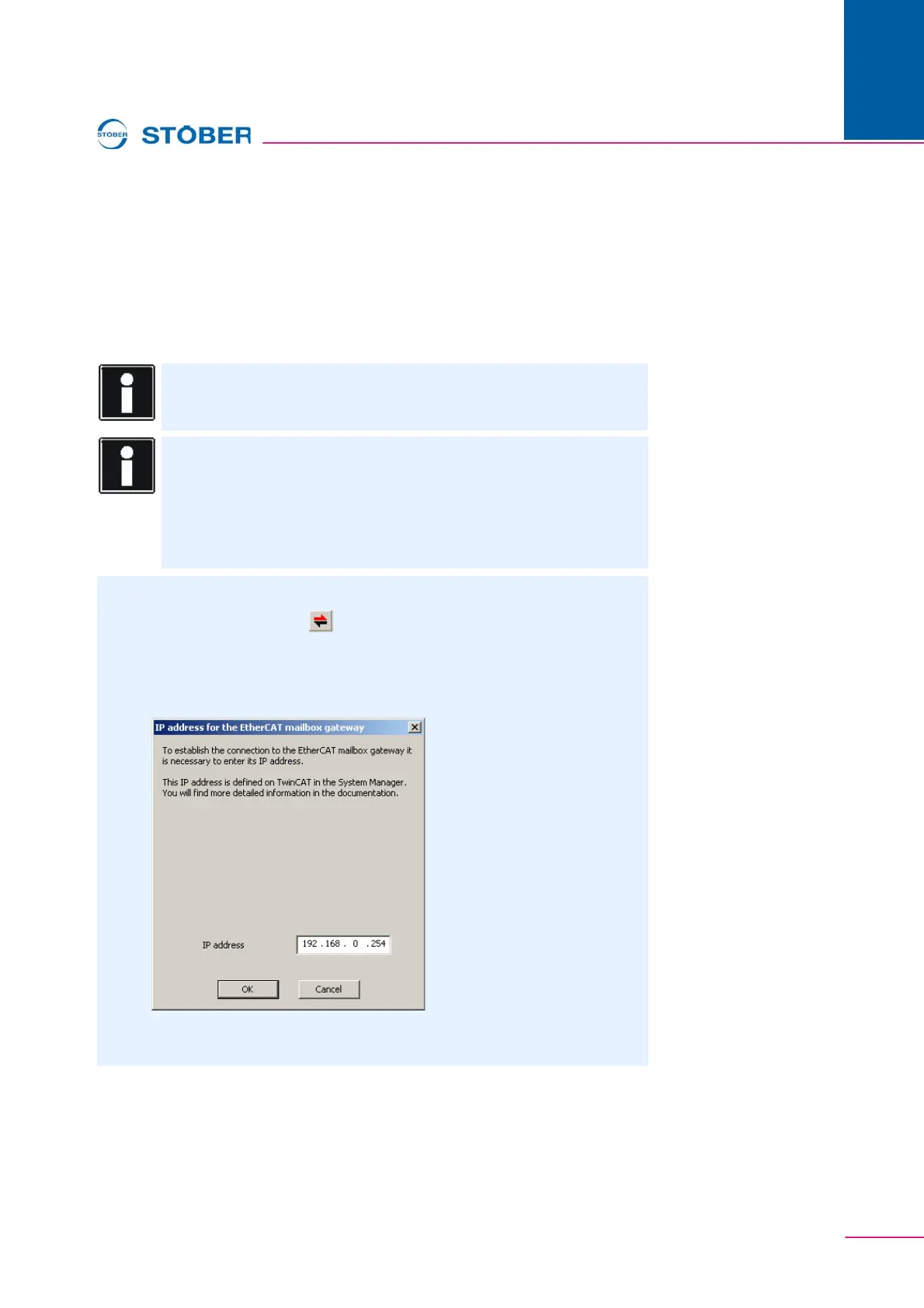
The IP address for the EtherCAT mailbox gateway dialog screen is
displayed:
2. Type the IP address for the mailbox gateway that you noted during activation
(see 12.2 Activating mailbox gateway).



 To Next Page