Commissioning with TwinCAT®
Operation manual
ID 441896.05
WE KEEP THINGS MOVING
75
11
11.6 Activation of the synchronization with TwinCAT®
To activate synchronization using distributed clocks, the function must first be
activated on each slave. The related settings are in TwinCAT
®
in the Advanced
Settings for the slave.
Information
TwinCAT
®
should be re-started after activating the synchronization.
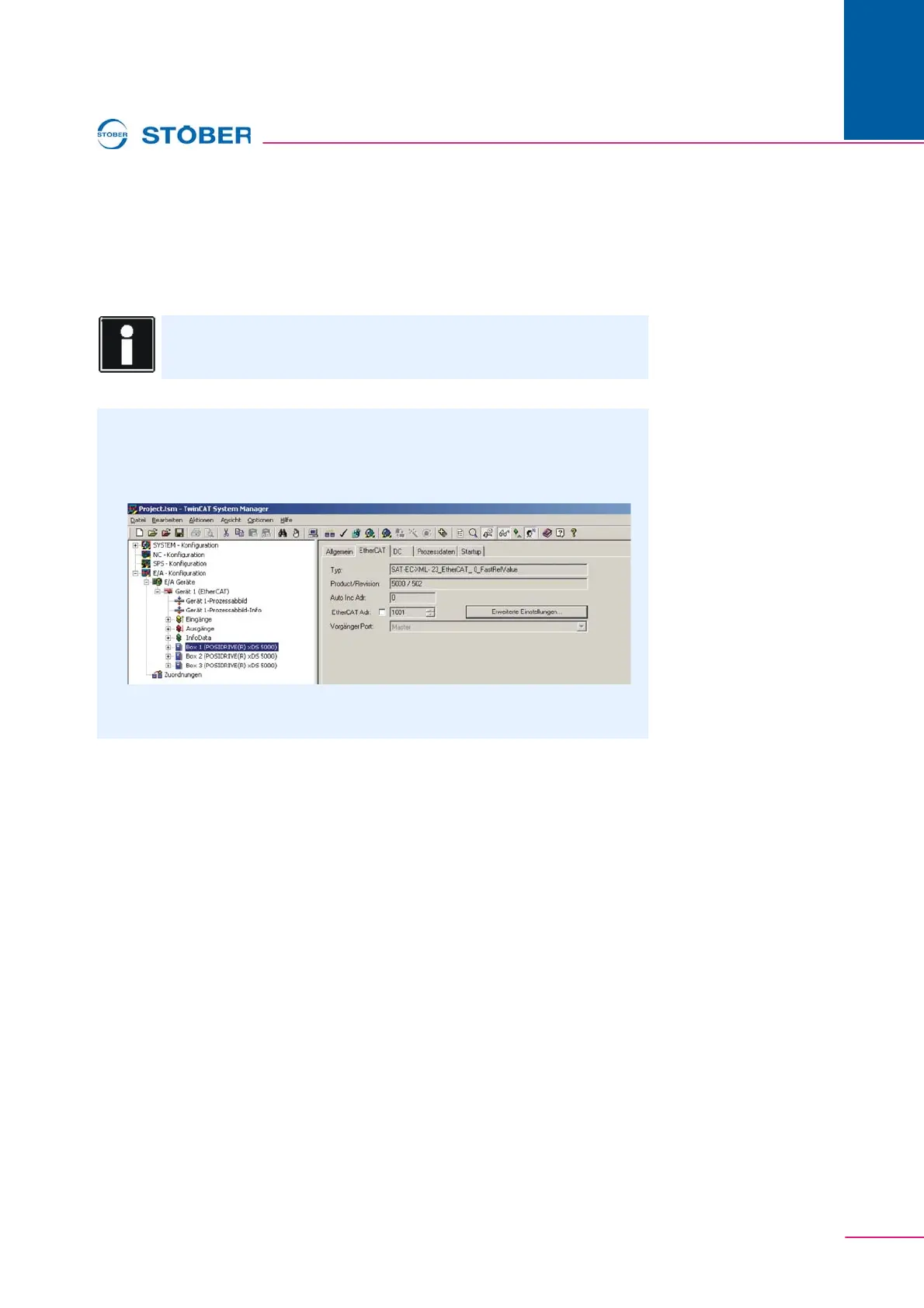
Activation of the synchronization
1. Select slave.
2. Press the Advanced Settings button.
Fig. 11-8 View of the EtherCAT settings in the TwinCAT
®
System Manager
3. Select Distributed Clock.



 To Next Page