Installation
Operation manual
ID 441896.05
WE KEEP THINGS MOVING
13
3
3.2 Installation in the FDS 5000
WARNING!
Danger of injury/death and property damage due to electric shock!
Before installing accessories, turn off all voltage supplies! Then wait 5
minutes for the DC link capacitors to discharge. Never begin with accessory
installation until after this!
CAUTION!
Danger of property damage due to electrostatic discharge, among others!
Provide suitable protective measures while handling open PCBs (e.g., ESD
clothing, environment free of dirt and grease).
Do not touch the contact surfaces.
You will need the following to install the ECS 5000:
• a TX10 Torx screwdriver
• a Phillips screwdriver
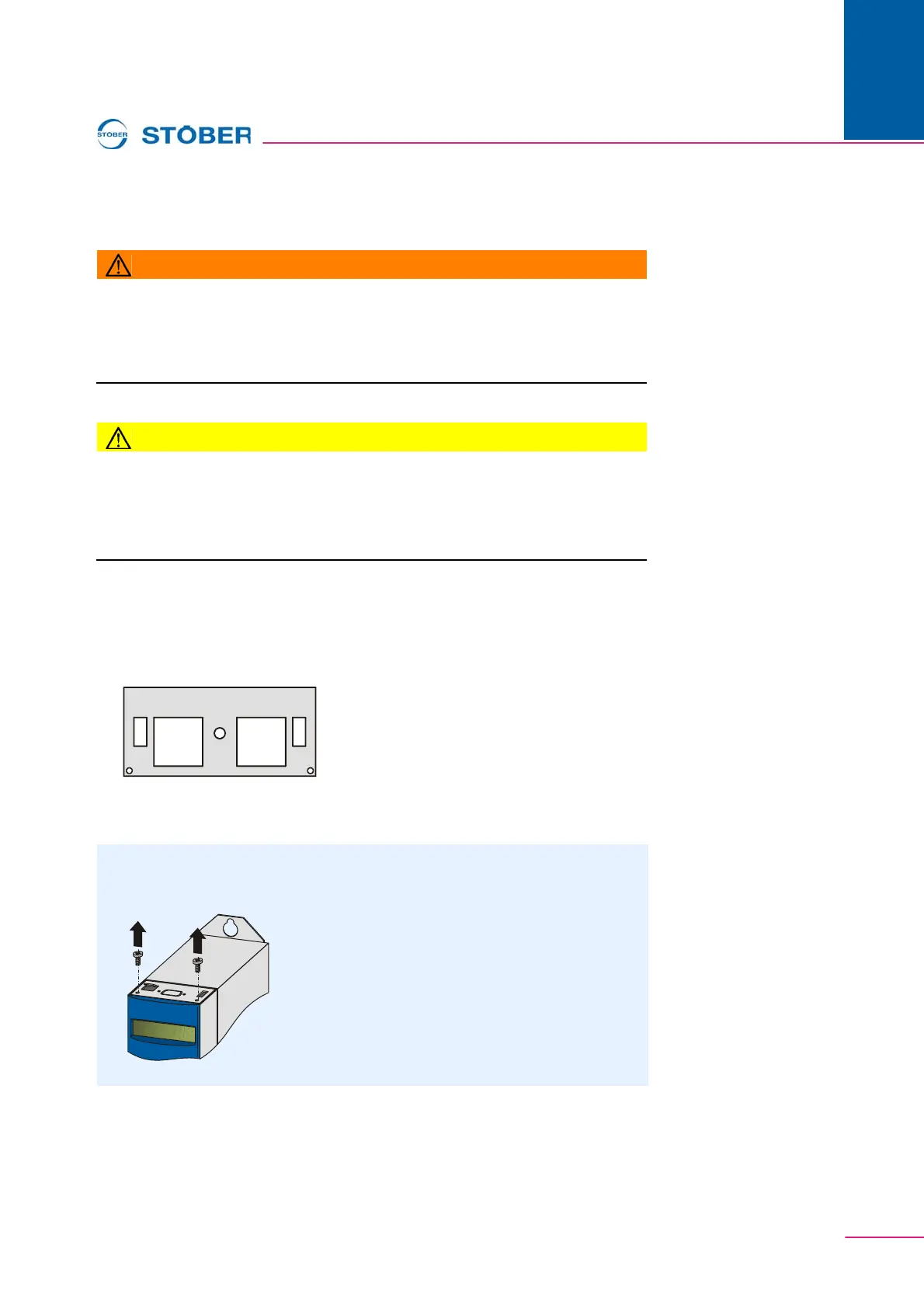
• The cover plate shown below which is included with the accessories of the
ECS 5000:
• The screw with the locking disk which is included with the accessories of the
ECS 5000
Installing the ECS 5000 in an FDS 5000
1. Unscrew the mounting screws and remove the cover plate:



 To Next Page