6
User interface of the ECS 5000
ID 441896.05
WE KEEP THINGS MOVING
Operation manual
22
Description of the ERROR Indicator (red LED)
Description of the LINK/ACT LED (yellow LED)
As soon as the X200 IN socket is connected with another active EtherCAT port,
this LED becomes active. When data are being exchanged, this LED flashes.
When no data are being exchanged, the LED is continuously on. When the IN
socket is not connected to any other active EtherCAT port, this LED is
continuously off.
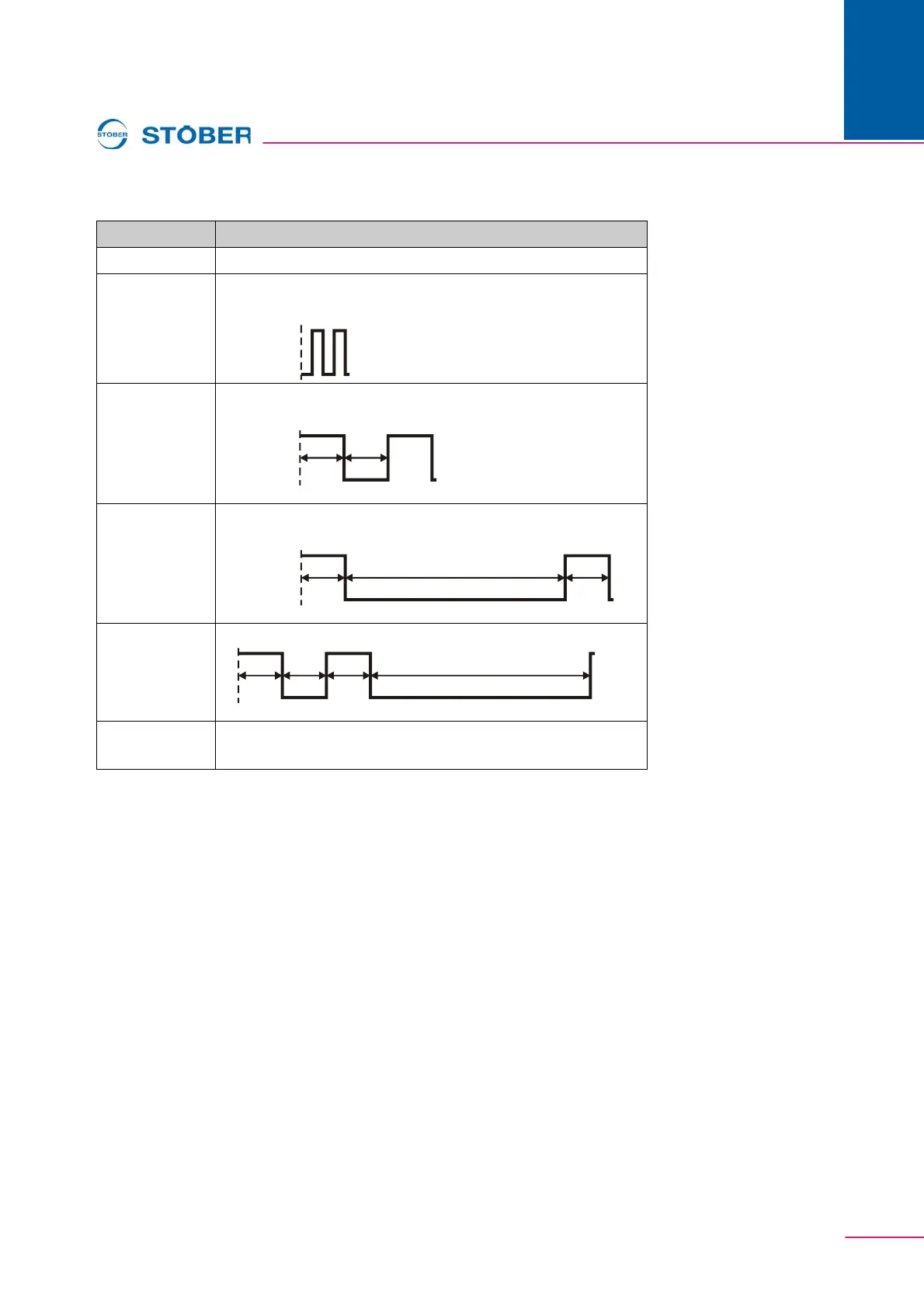
Error Description
No Error No error; LED is continuously off.
Booting Error Error while the ECS 5000 option board is being initialized.
LED flickers.
Invalid
Configuration
Configuration invalid.
LED flashes.
Unsolicited
State Change
Slave changed the state without being asked.
LED: 1 flash
Application
Watchdog
Timeout
Watchdog; LED: 2 flashes
PDI Watchdog
Timeout
Watchdog; LED is continuously on.
200
ms
200
ms
on
blinking
(ERR) off
200
ms
200
ms
on
single flash
(ERR) off
1000 ms



 To Next Page