12
POSITool over EtherCAT
ID 441896.05
WE KEEP THINGS MOVING
Operation manual
90
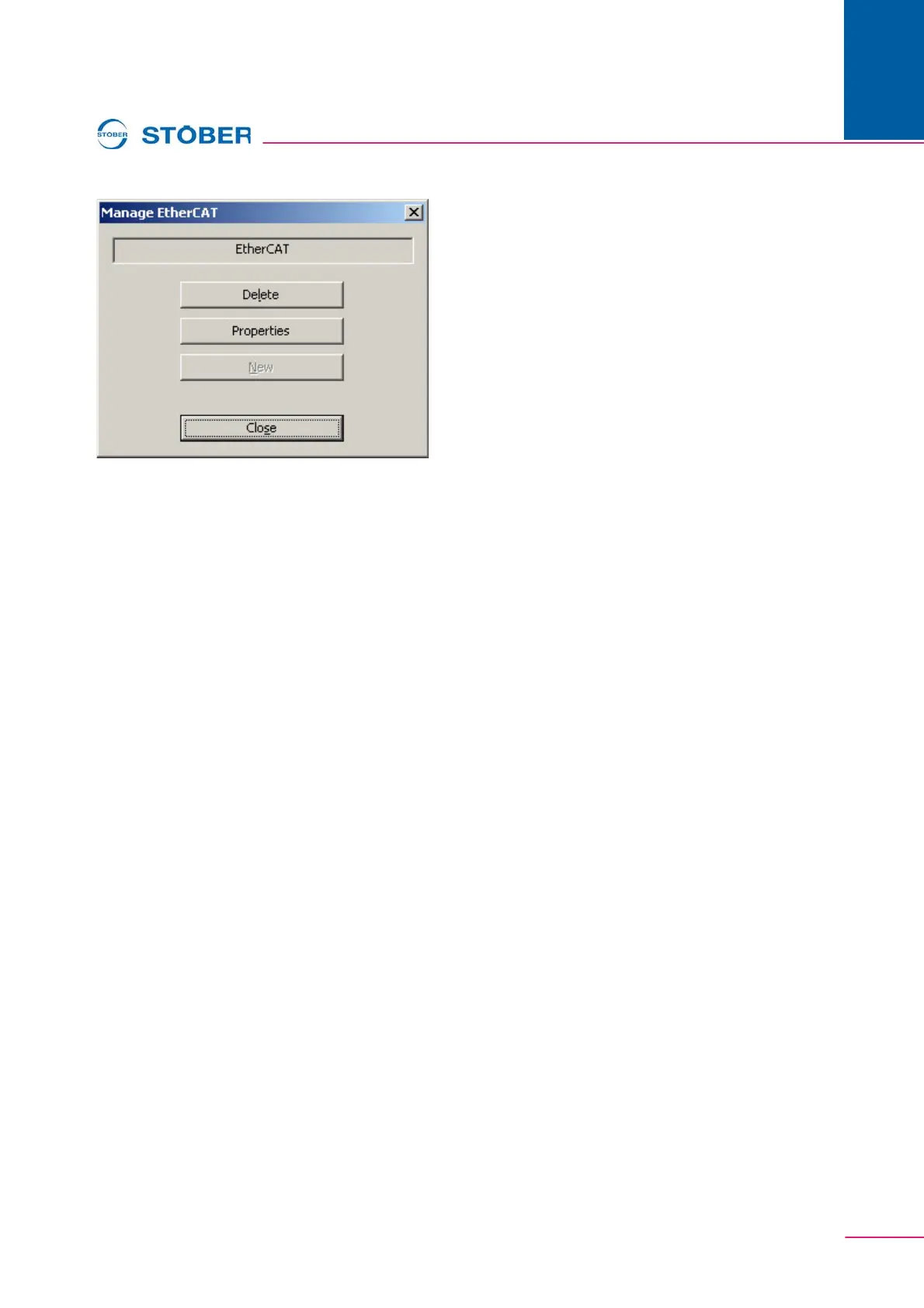
Fig. 12-5 Manage EtherCAT dialog screen
On this dialog screen the name of the EtherCAT entry is displayed in the field at
the top. Using the Delete button you can delete the EtherCAT entry. In this case
the inverters allocated are displayed directly in the project view.
Using the Properties button you can open the dialog screen where you can
change the allocation of the inverters to the EtherCAT entry.
The New button is not available as soon as there is an EtherCAT entry in the
project, as only one EtherCAT entry per project is possible. Leave the dialog
screen using the Close button.



 To Next Page